
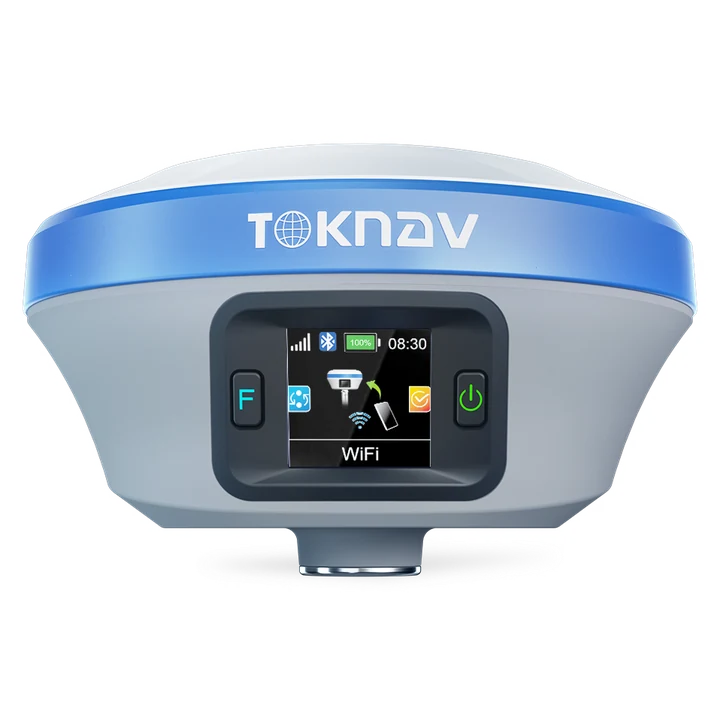
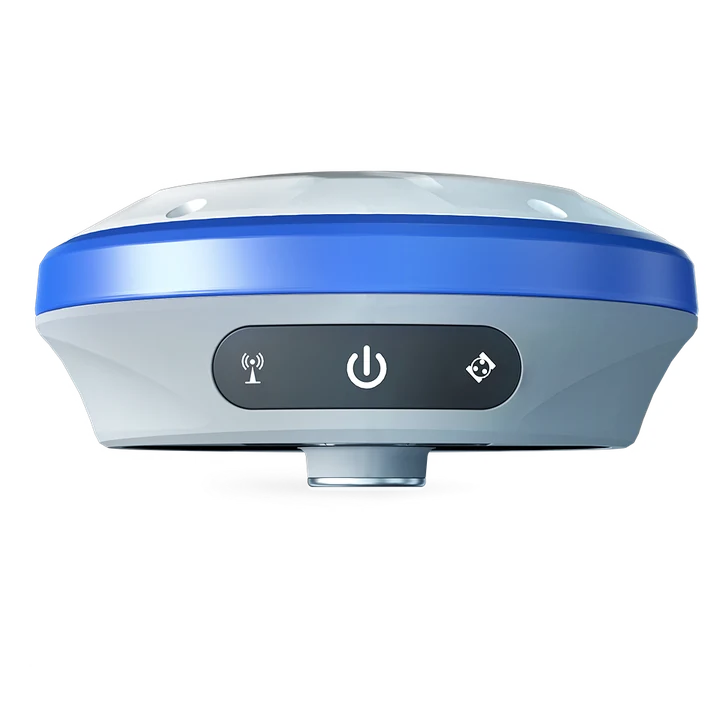
Radio, display & portability
T20Pro vs T10Pro
Compare a higher-power integrated radio and on-device display with a lighter receiver body.
Compare T20Pro and T10Pro →GNSS RTK RECEIVERS
Start with the measurements your crew needs to make, then compare the receivers that fit. Use the model table to review correction options, measurement features and the equipment needed for each field workflow.
CHOOSE A COMPARISON
Radio, display & portability
Compare a higher-power integrated radio and on-device display with a lighter receiver body.
Compare T20Pro and T10Pro →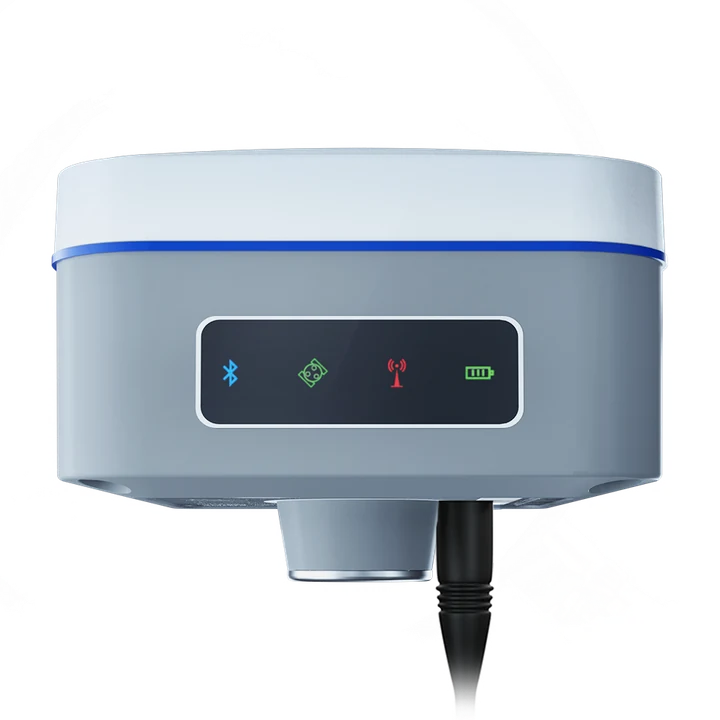
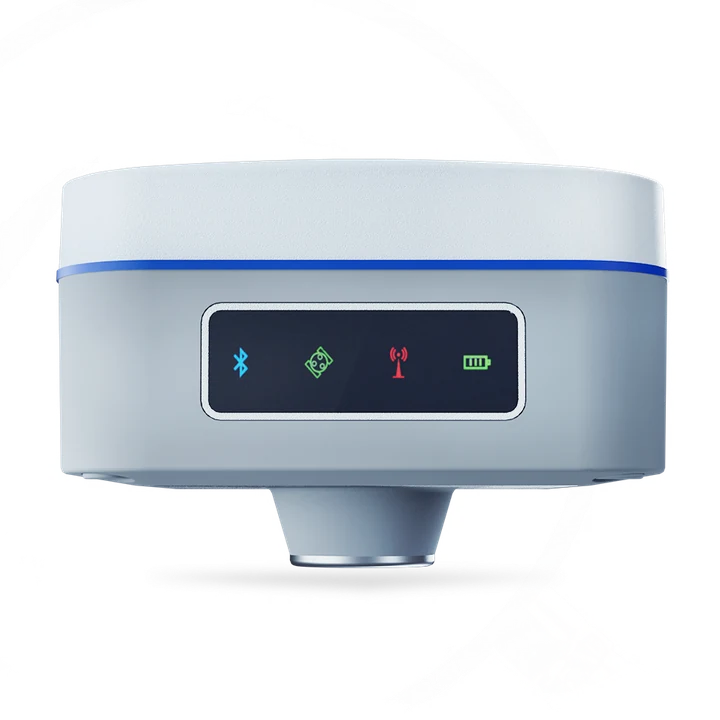
Correction links & compact size
Compare the listed receive-only UHF radio on T5 with the smaller, lighter T5Lite format.
Compare T5 and T5Lite →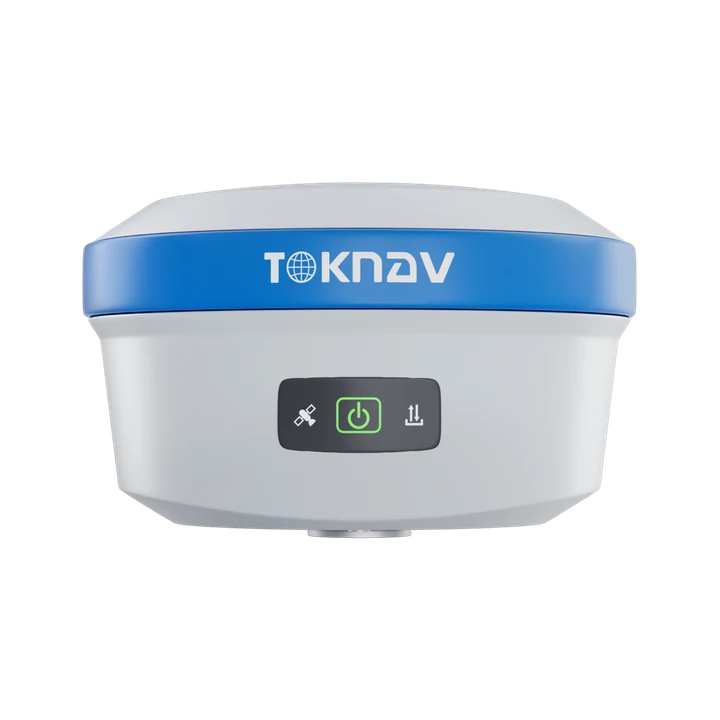

Laser vs image survey
Choose the extra measurement workflow that fits your field tasks, with shared size and power specifications shown side by side.
Compare T50 and T50Pro →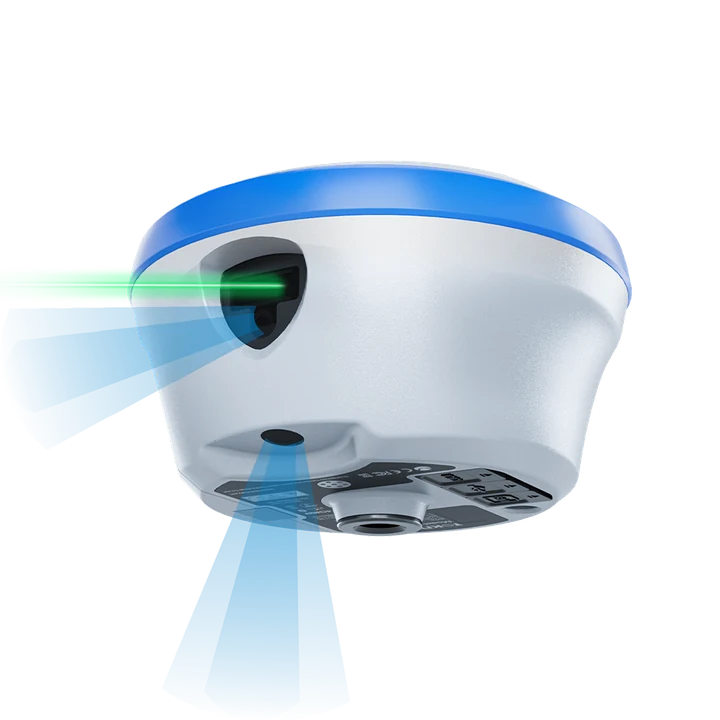
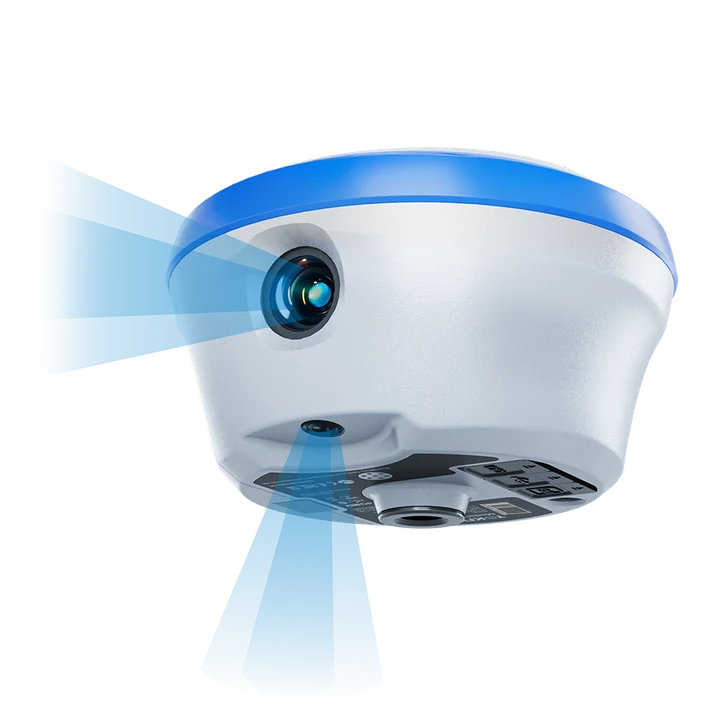
Laser vs image survey · removable batteries
Compare T40 laser measurement with T40Pro photogrammetry in a shared dual-battery format.
Compare T40 and T40Pro →Battery workflow vs compact size
Compare removable batteries on T40Pro with the smaller T50Pro body and Type-C charging arrangement.
Compare T40Pro and T50Pro →A QUICK START
Start with survey and stakeout tasks. For additional laser or image measurement, compare T40 with T40Pro or T50 with T50Pro. Match the method to the points and deliverables you need.
Compare T20Pro and T10Pro for display, radio power and weight; T5 and T5Lite for correction paths and portability. Check battery specifications, spare power and charging access for your shift.
Choose a CORS / NTRIP rover or a local base-and-rover kit, then check service coverage, compatible radios and the project coordinate system.
Plan an RTK + CORS/VRS setup →PRODUCTS & DOCUMENTS
Green-laser measurement
T50 datasheet (PDF)Photogrammetry and AR stakeout
T50Pro datasheet (PDF)Image survey with removable batteries
T40Pro datasheet (PDF)Laser measurement with removable batteries
T40 datasheet (PDF)Adjustable 1 / 2 / 5 W radio and on-device display
T20Pro datasheet (PDF)740 g RTK receiver with integrated radio
T10Pro datasheet (PDF)Compact rover with receive-only UHF radio
T5 datasheet (PDF)Compact receiver for a confirmed network correction setup
T5Lite datasheet (PDF)Match the receiver to the observations your crew makes most often. The comparison table shows model differences, while individual product pages explain the capabilities of each receiver.
For boundary work, check control and access to the points as well as sky visibility. For construction layout, identify the design inputs, site localization and check measurement requirements before choosing the receiver.
Choose a correction method that fits the area, then confirm the controller, pole, software and field checks. Plan how your crew will verify the configuration before beginning production work.
Check the available control and correction coverage, access to boundary points and the verification procedure required for the project.
LET’S PLAN YOUR EQUIPMENT
Share your country, application and correction source. We can review the receiver, controller, software and accessories for your work.
Help me choose a receiver