
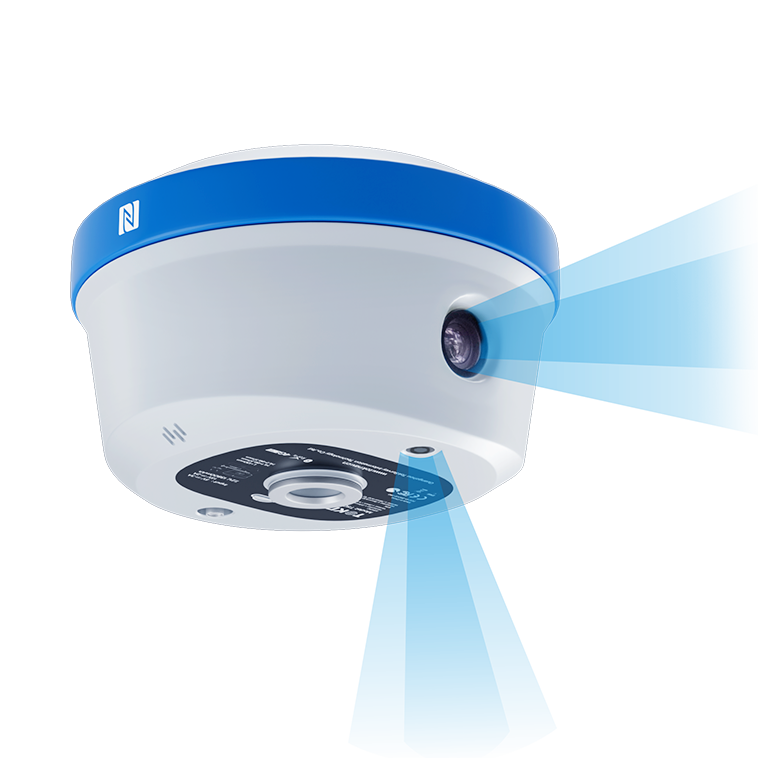
T50Pro
Palm-sized photogrammetry RTK
View productSelect a language to view TOKNAV information.
Home/GNSS Receiver
TOKNAV PRODUCTS
Compare RTK rovers, local base-rover systems, CORS reference receivers and GNSS/INS devices in a single, clear product path.
PRODUCT BROCHURE
Explore the 22-page TOKNAV GNSS receiver range, including RTK rovers, reference stations and GNSS/INS product paths.
English · PDF · 22 pages
SELECT BY APPLICATION
A receiver is only one part of a working positioning system. Start with the way correction data is supplied and the task the hardware must perform, then compare the products within the right series.
Mobile survey or GIS workUse a rover configuration when network correction is available or when a portable receiver is the primary field tool.
Local base and rover workflowReview a base-station capable receiver and data radio plan when correction is generated on site.
CORS, monitoring or integrationUse infrastructure or GNSS/INS equipment when the receiver is part of a reference network, automation system or OEM installation.
RTK RECEIVER SELECTION
An RTK receiver decision starts with the field task: surveying, stakeout, control, mapping or machine guidance. Then confirm how corrections will be received, who will operate the equipment and what must be delivered at the end of each shift.
For a local base-rover workflow, plan the base location, radio link and control checks. For a CORS or VRS workflow, confirm service coverage, credentials, mobile connectivity and the project coordinate system before field deployment.
GNSS RECEIVER FAQ
Use the project task, correction method and data workflow to compare rover, base-station and CORS receiver paths before requesting a configuration.
Begin with the application, required working method, local data-link conditions and the role of the receiver in the project. The relevant product page and a configuration discussion can then narrow the model choice.
The intended role in the measurement workflow is different. TOKNAV lists RTK receiver and CORS or base-station product paths separately so that project teams can review the appropriate configuration before ordering.
The GNSS receiver range includes CORS and GNSS base-station product paths. Confirm the required communication, correction-service and infrastructure configuration with TOKNAV for the specific project.
It can. Data links, radio use, cellular coverage, software, accessories and local regulations can affect a configuration. Include the destination country in an enquiry before purchase or deployment.
Include the country, application, project conditions, required receiver role, preferred data link and any existing controller or software environment. This supports a more useful first discussion.
Portable GNSS RTK receivers for surveying, stakeout, mapping and field data collection.
Palm-sized photogrammetry RTK
View product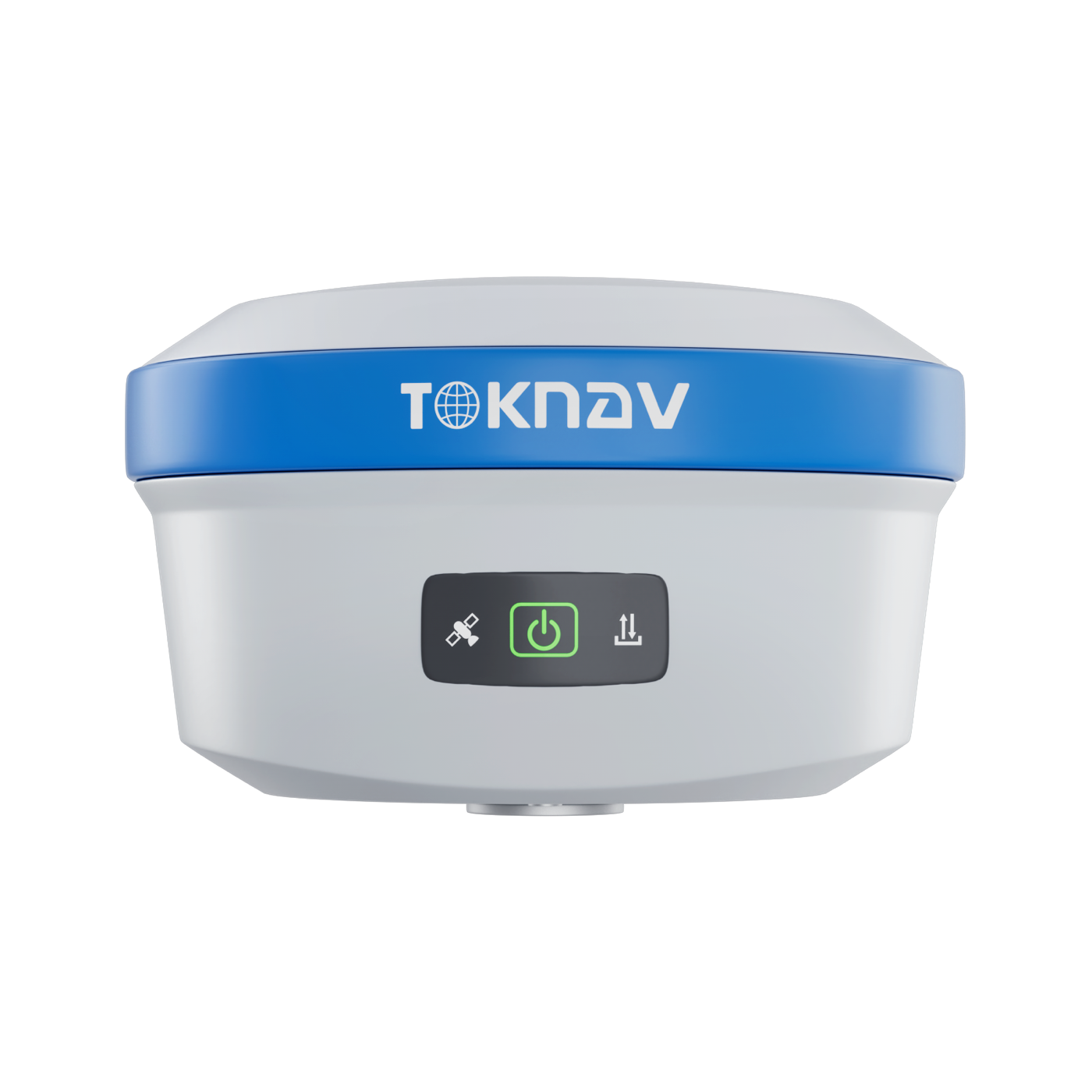
Palm-sized laser RTK
View product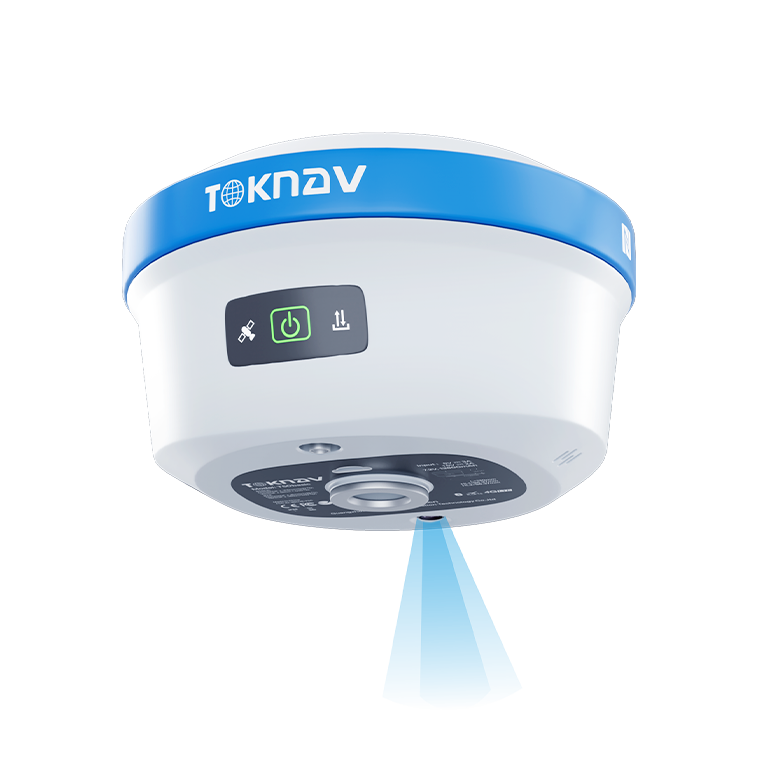
Palm-sized AR IMU RTK
View product
Photogrammetry RTK receiver
View product
Laser dual-camera RTK receiver
View product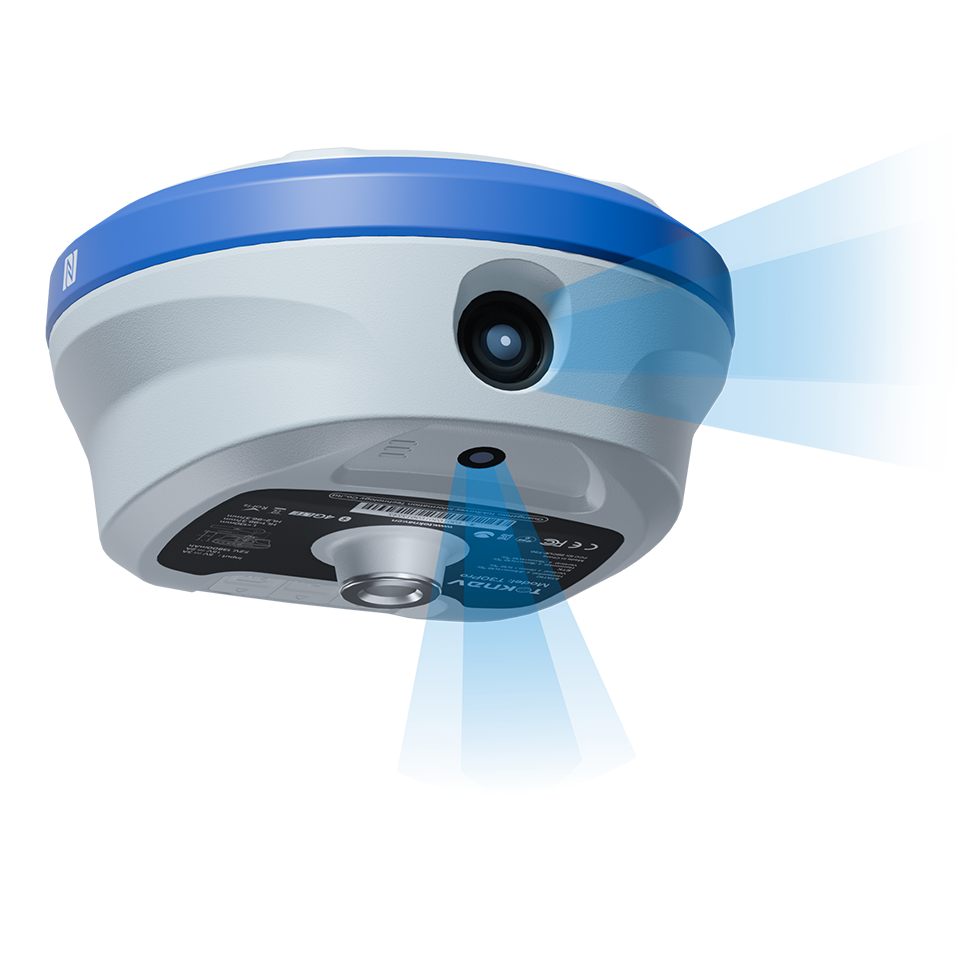
Photogrammetry and AR stakeout RTK
View product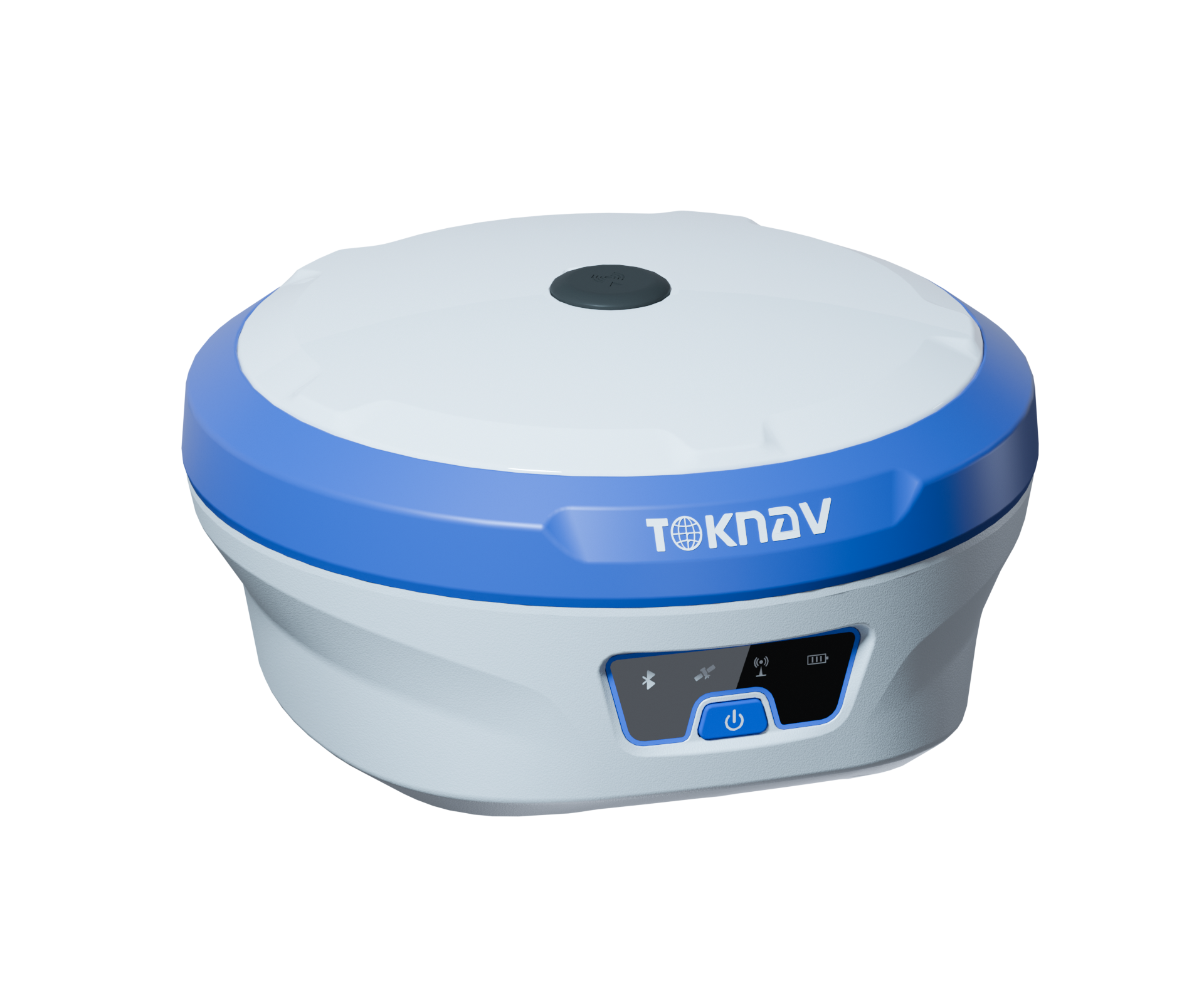
Laser measurement RTK receiver
View product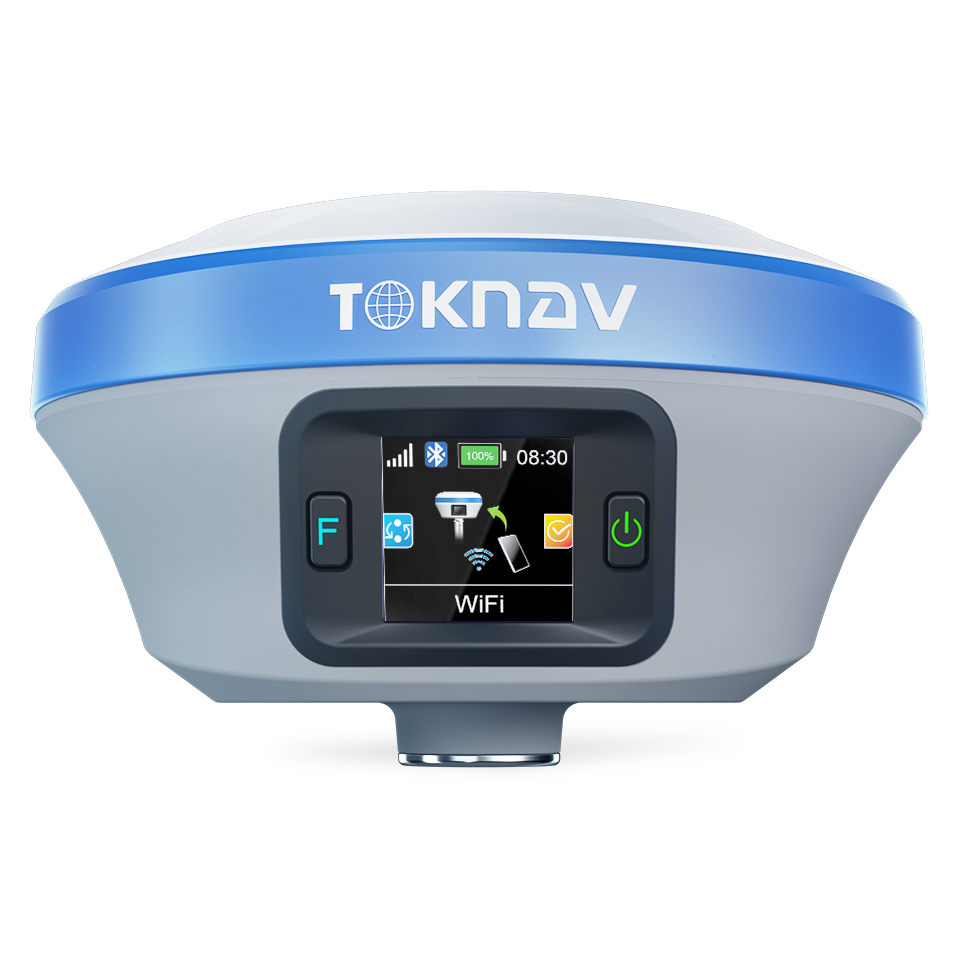
Multifunctional intelligent RTK
View product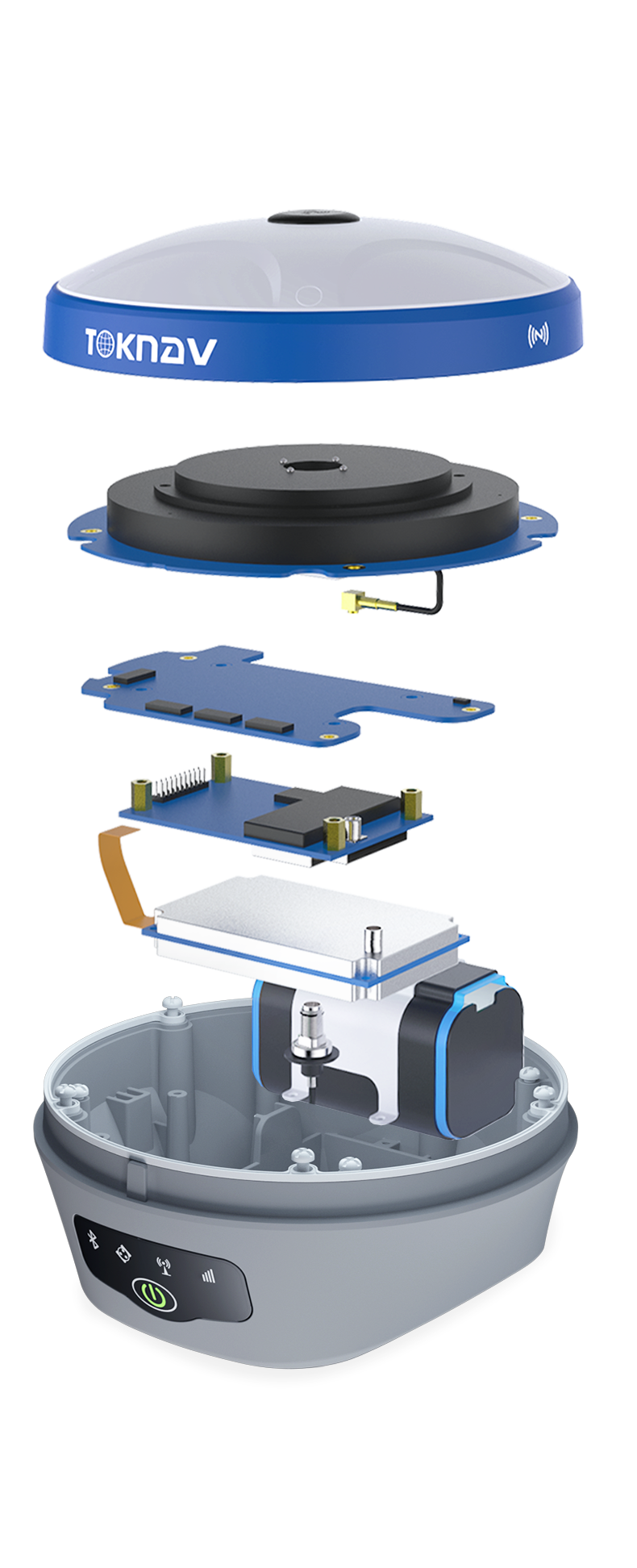
GNSS receiver for field workflows
View product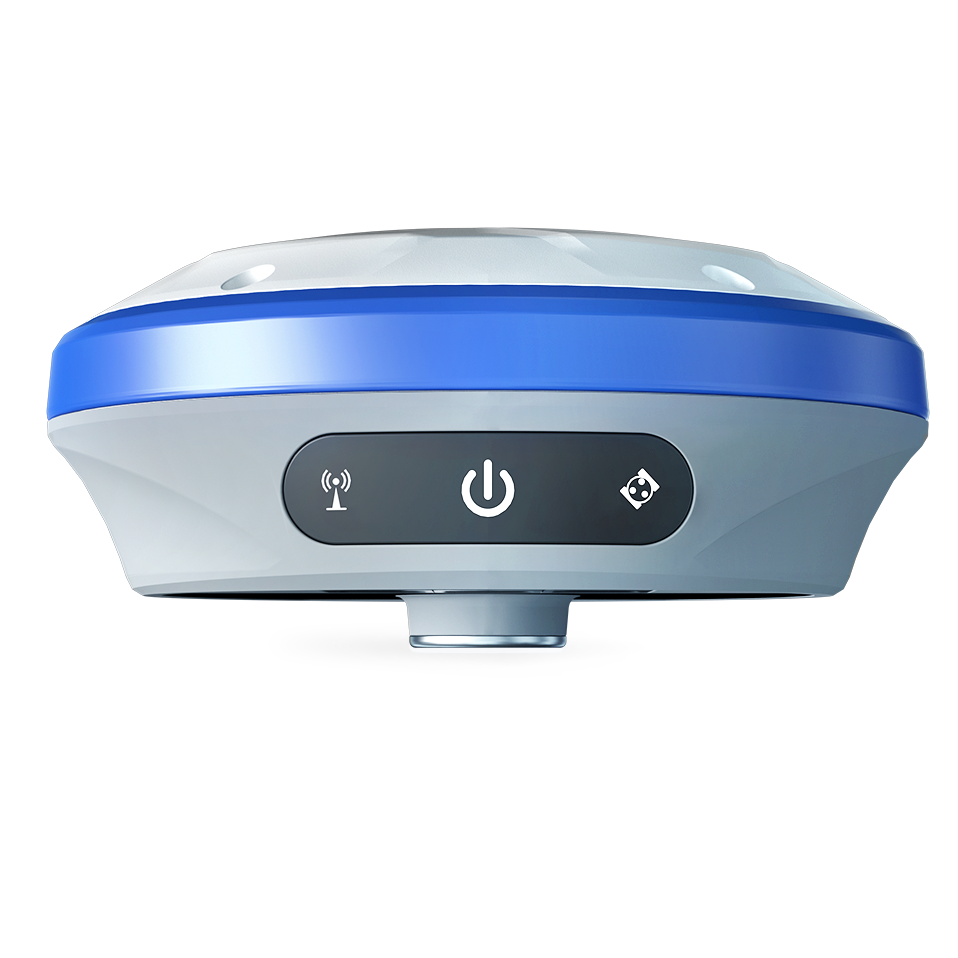
Engineering-level standard RTK
View product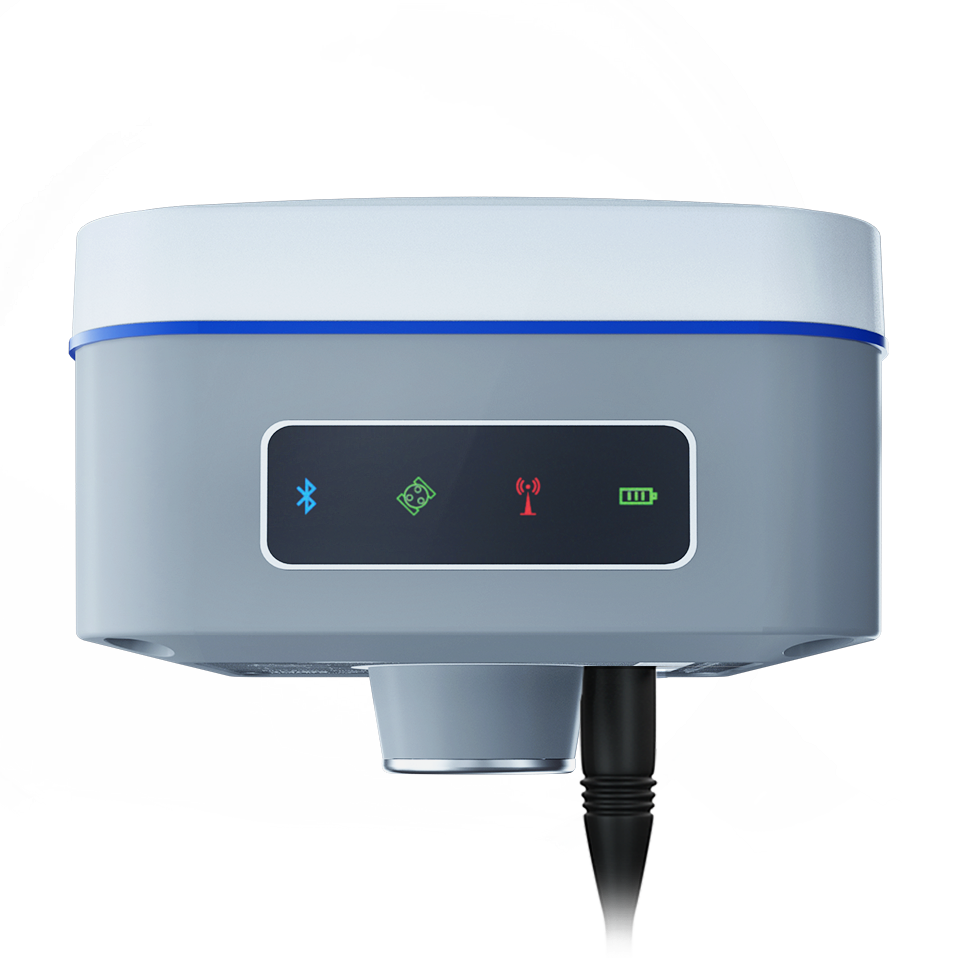
Handheld convenient RTK
View product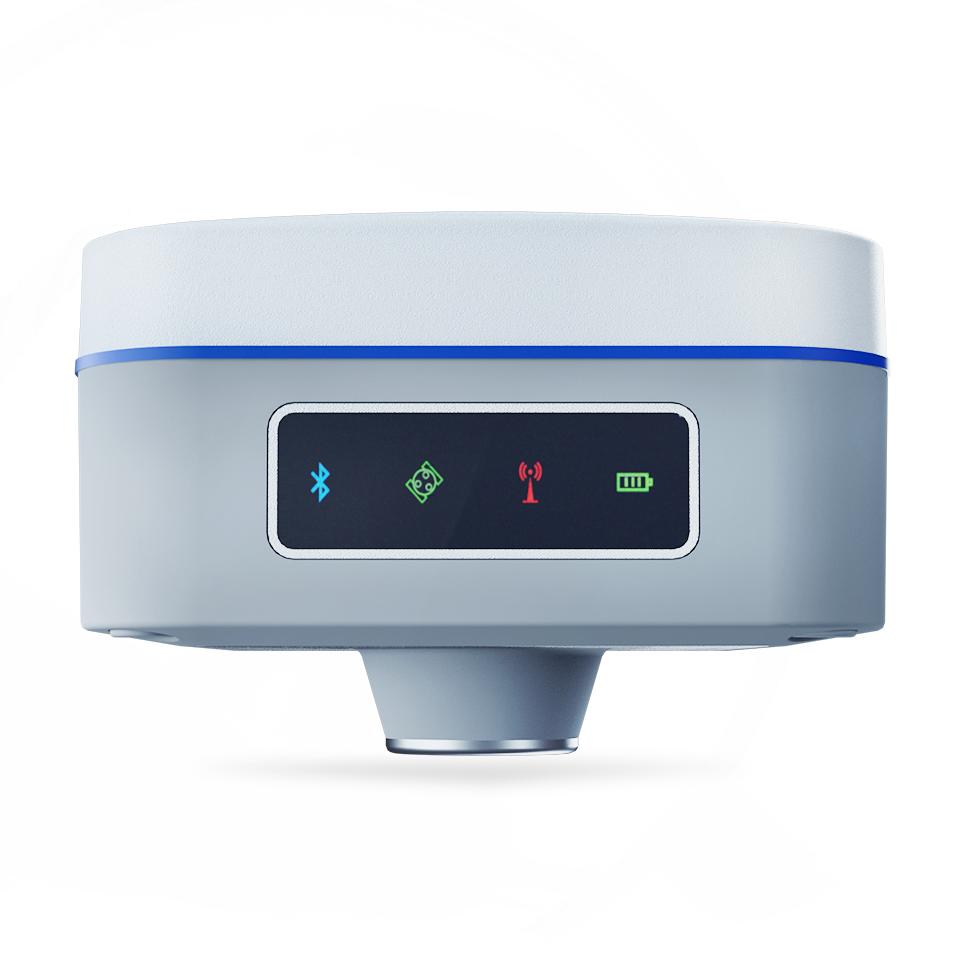
Economical handheld RTK
View productReceivers for reference-station deployment, CORS networks and persistent correction workflows.
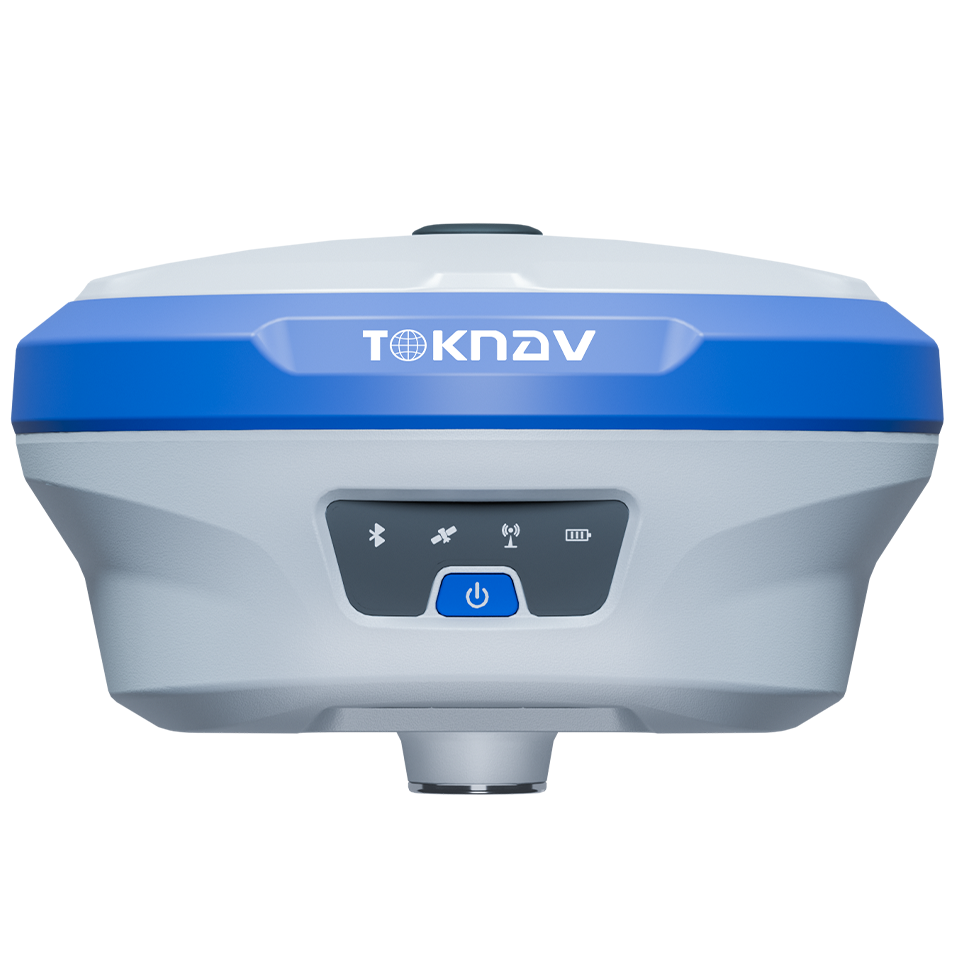
Professional base-station RTK
View product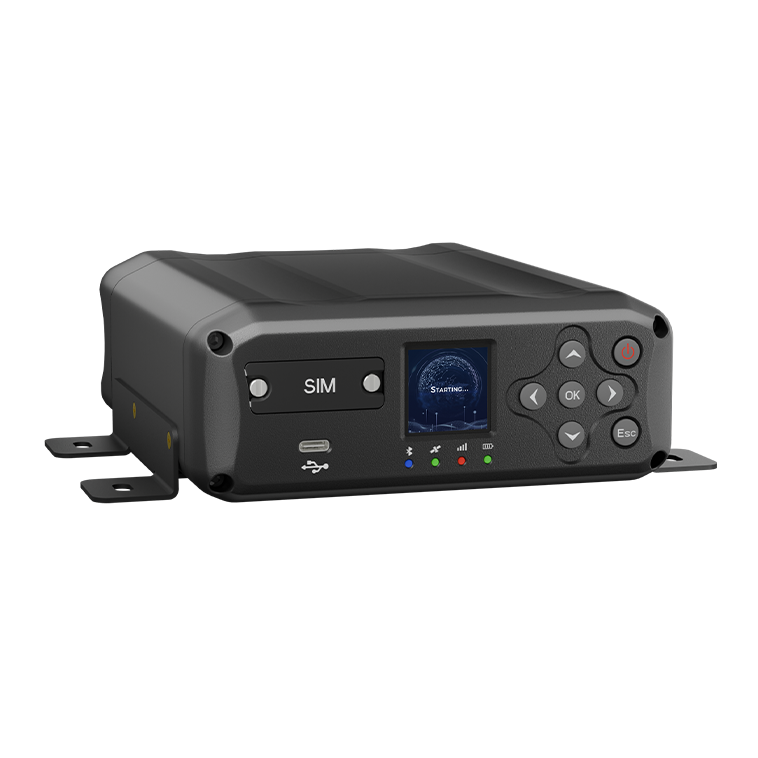
System-construction receiver
View product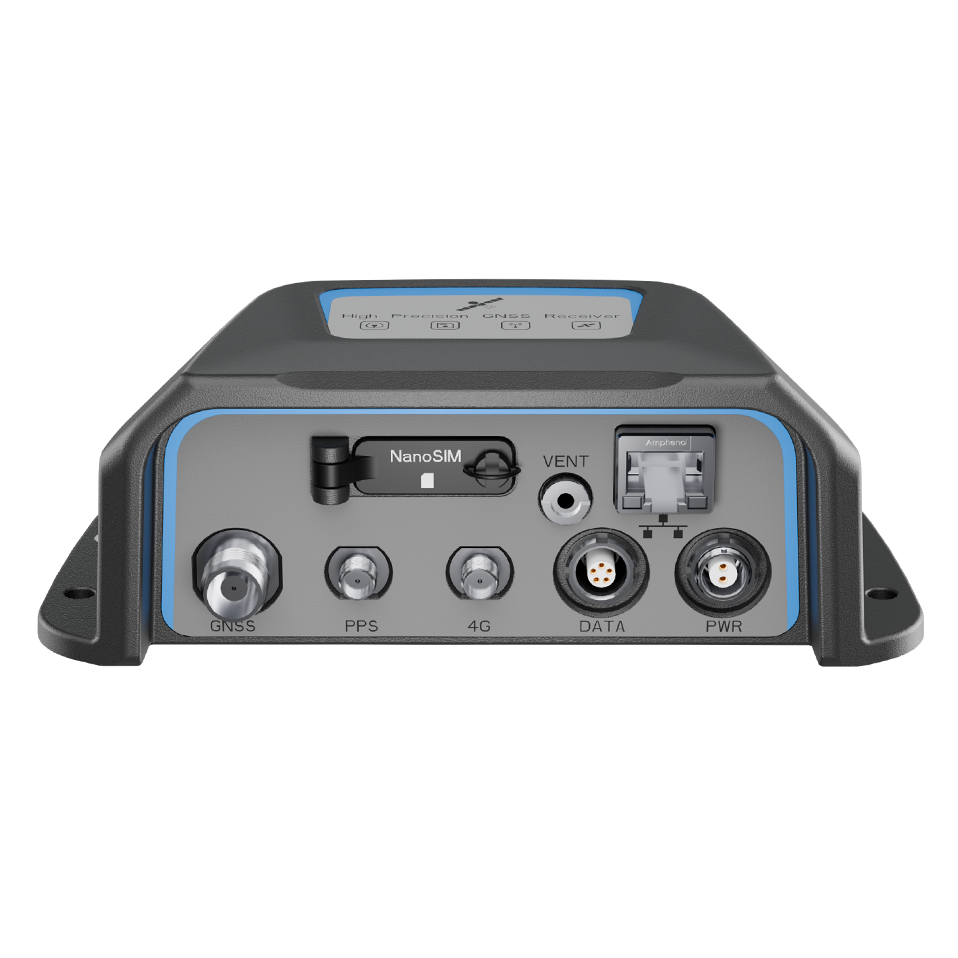
GNSS base-station receiver
View productPositioning and orientation receivers for unmanned systems, machine control and embedded integration.
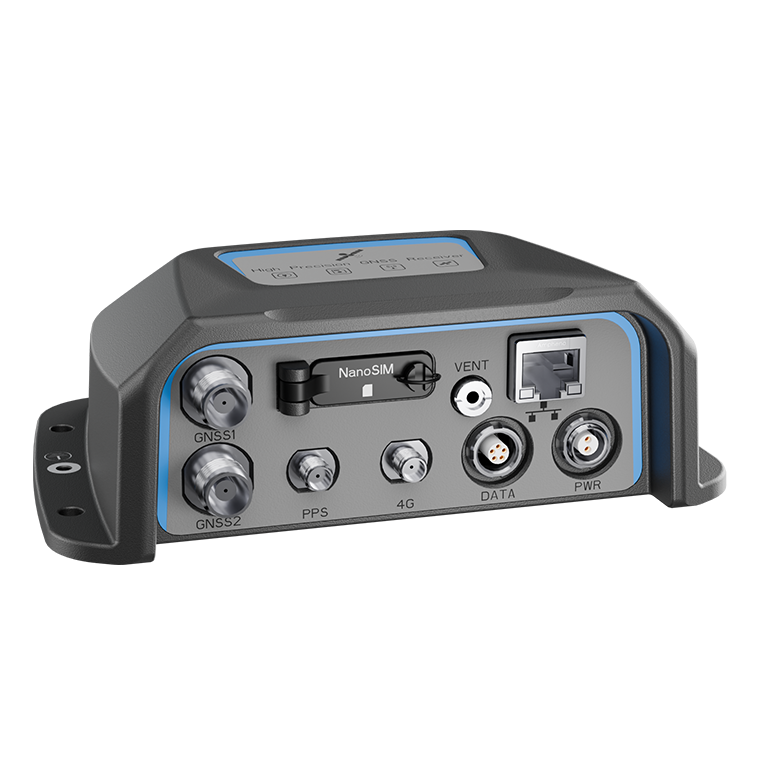
Positioning and orientation receiver
View product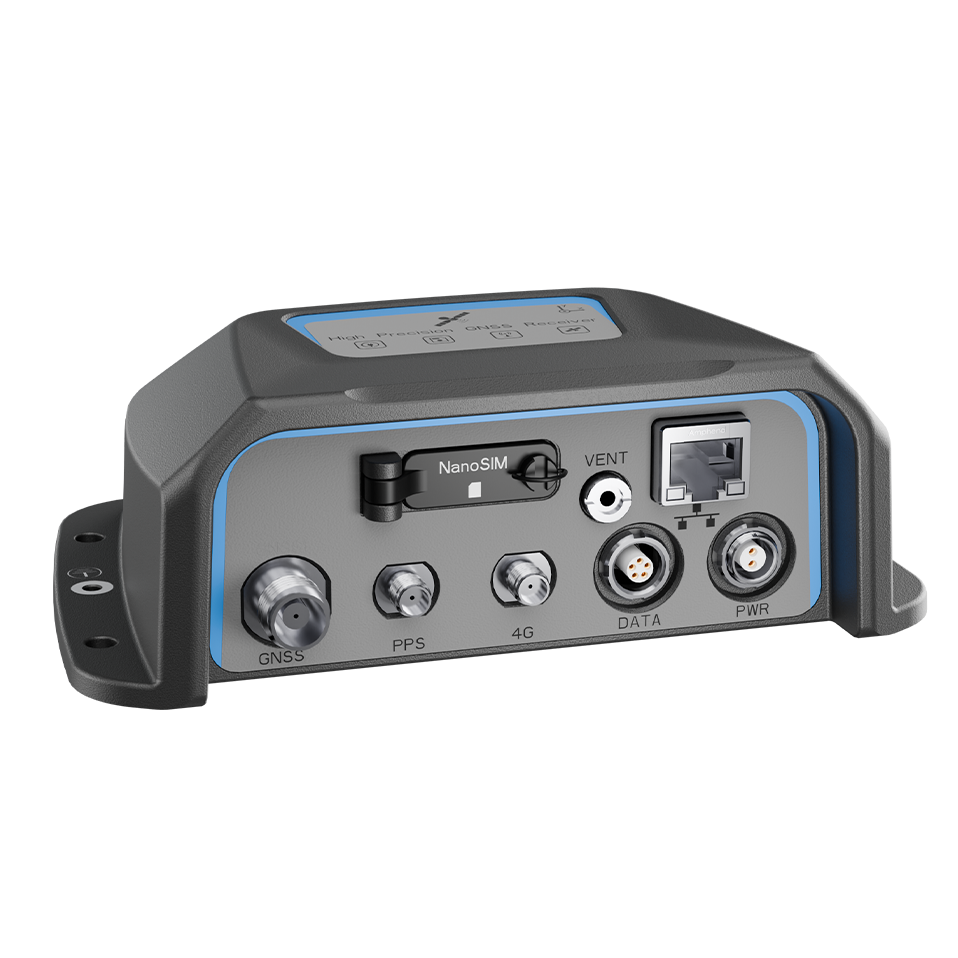
Unmanned-vehicle positioning receiver
View product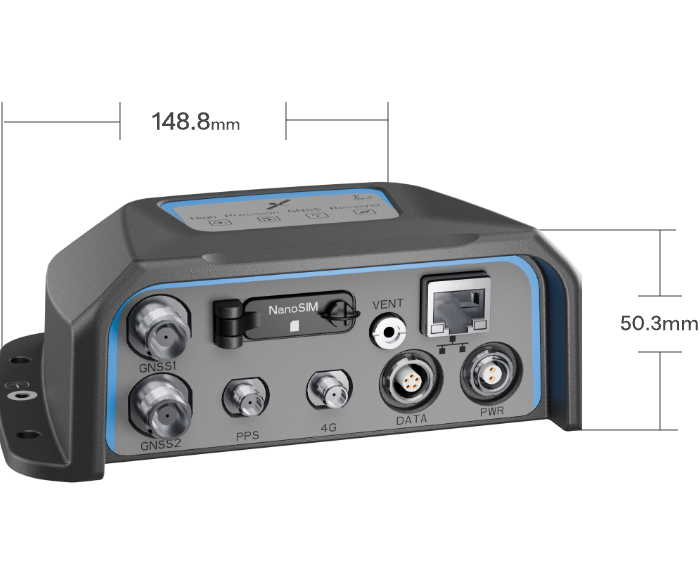
GNSS/INS integration product path
View productStart with the correction source and field workflow, then confirm receiver, antenna, controller or software, radio or network link and accessory requirements together.
SUPPORT RESOURCES
Use the category structure to compare the role of each product, then open its model page and send the project context for a focused recommendation.
PROJECT INQUIRY
Share the application, field environment, destination market and planned quantity. The TOKNAV team can then recommend the relevant product path and complete system configuration.
Use the existing secure inquiry form to start the discussion.
Send an inquiry