
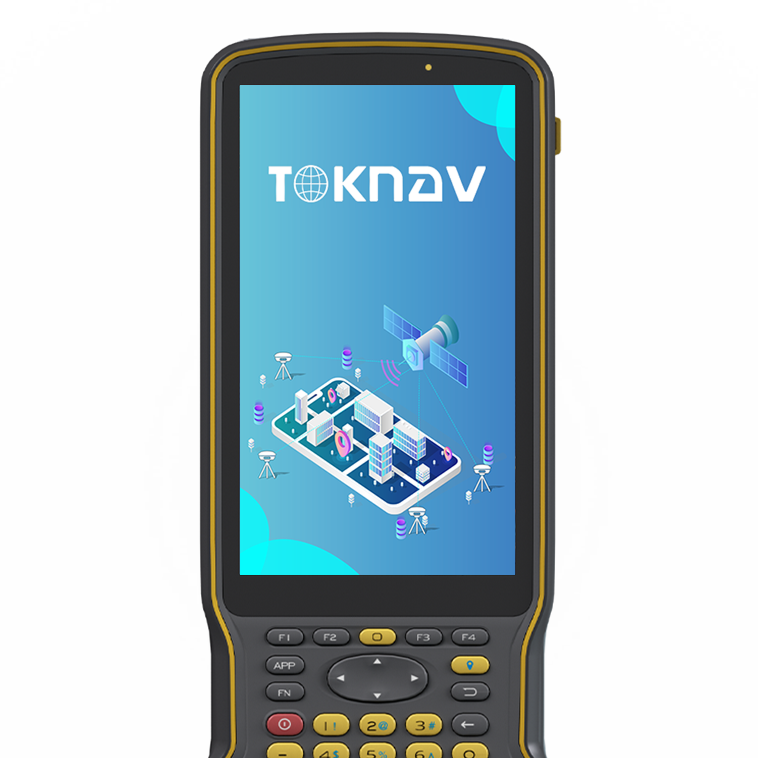
tSurvey 1.0
Engineering surveying software
View productSelect a language to view TOKNAV information.
Home/Software
TOKNAV PRODUCTS
Compare TOKNAV field software for survey data collection, RTK control, stakeout and connected project workflows.
SELECT BY APPLICATION
Software makes the positioning system usable in the field. The right choice should match collection, stakeout, road or construction work and the hardware used by the team.
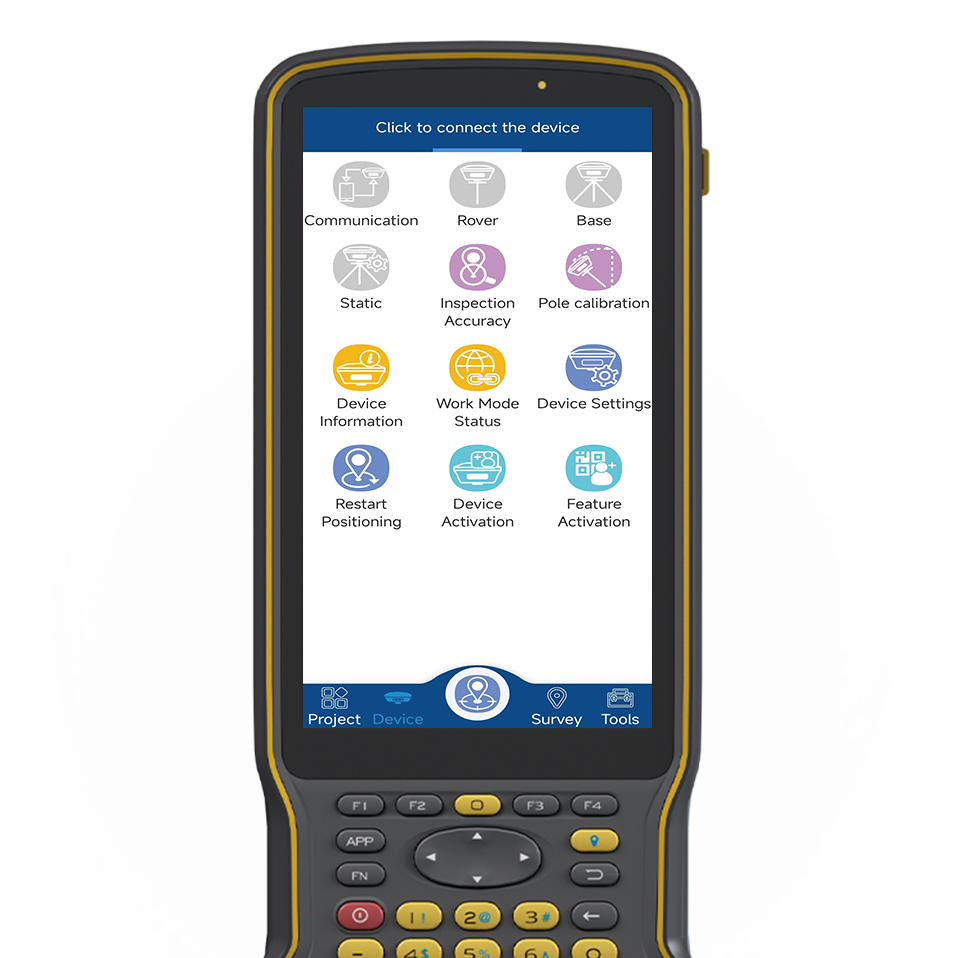
Engineering surveyingChoose an engineering field workflow for routine RTK data collection, survey and stakeout tasks.
Industrial surveyingReview industrial surveying tools where operational workflow, project setup and field execution are central.
Simple mobile collectionUse an accessible data collection path for teams that need a straightforward field interface and fast adoption.
RTK RECEIVER SELECTION
An RTK receiver decision starts with the field task: surveying, stakeout, control, mapping or machine guidance. Then confirm how corrections will be received, who will operate the equipment and what must be delivered at the end of each shift.
For a local base-rover workflow, plan the base location, radio link and control checks. For a CORS or VRS workflow, confirm service coverage, credentials, mobile connectivity and the project coordinate system before field deployment.
Field software for RTK collection, stakeout, surveying and mapping workflows.
Engineering surveying software
View productIndustrial surveying software
View productData collection tools for practical mobile field workflows and team adoption.
Easy-to-use data collection
View product
Land survey application
View productConfirm the receiver model, controller, project task, data output and deployment expectations before selecting the software path.
SUPPORT RESOURCES
Use the category structure to compare the role of each product, then open its model page and send the project context for a focused recommendation.
PROJECT INQUIRY
Share the application, field environment, destination market and planned quantity. The TOKNAV team can then recommend the relevant product path and complete system configuration.
Use the existing secure inquiry form to start the discussion.
Send an inquiry