

RESULTS AND PROCESSING
Hydrographic Survey Data Examples: Points, Grids and Sonar Images
Read a real gridding-report example and explore TOKNAV-supplied terrain and sonar screenshots. Understand what each output tells you before specifying the deliverables for a survey.
3,117 input records become 6,400 grid nodes
The supplied seven-page GridDataReport — underwater terrain data records a processing run generated on April 13, 2026. Its input filename is an underwater-terrain CSV. This date identifies the report generation, not a confirmed field-survey date.
| Report field | Recorded value | How to interpret it |
|---|---|---|
| Original / active data (pages 1–2) | 3,117 / 3,117 | Record counts reported by the processing software; raw acquisition data are not provided with this example. |
| Method (page 5) | Kriging, Point | The surface is interpolated from the input records. |
| Grid dimensions (page 6) | 64 rows × 100 columns | 6,400 output nodes are not 6,400 independently measured soundings. |
| Filled / blanked nodes (page 6) | 6,400 / 0 | A fully filled grid does not demonstrate complete measured coverage. |
The report does not establish the survey equipment, coordinate and vertical references, independent check results or measurement uncertainty. Its standard deviation and standard error describe the data or grid; they are not an accuracy test against independent reference measurements.
A single-beam terrain-model example
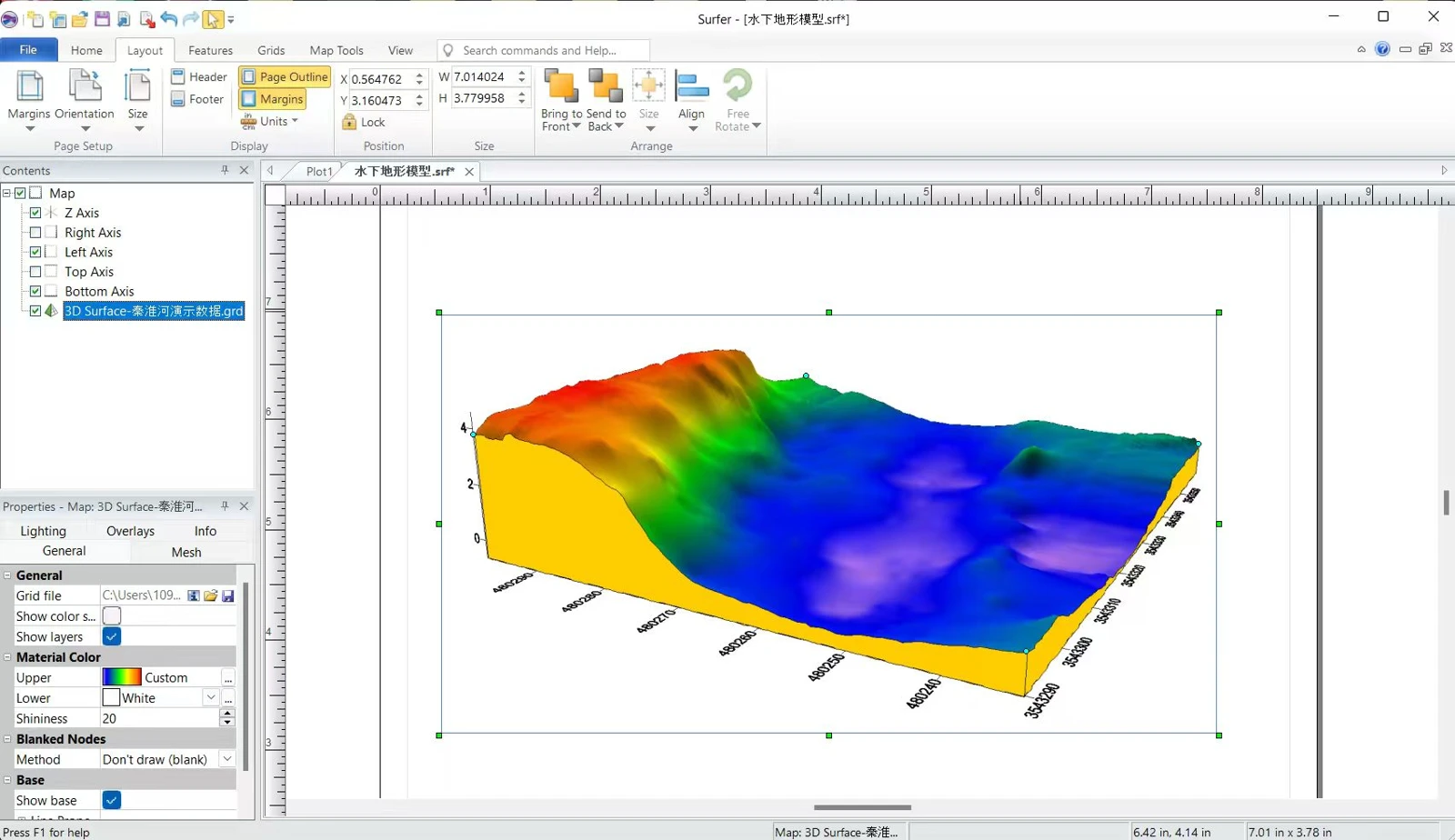
A rendered surface helps explain shape, but a complete delivery should also distinguish measured lines from interpolation and identify data gaps. Request a readable scale, units, coordinate reference and processing description with the final model.
Watch the acquisition and export workflow →Multibeam point-cloud and surface views
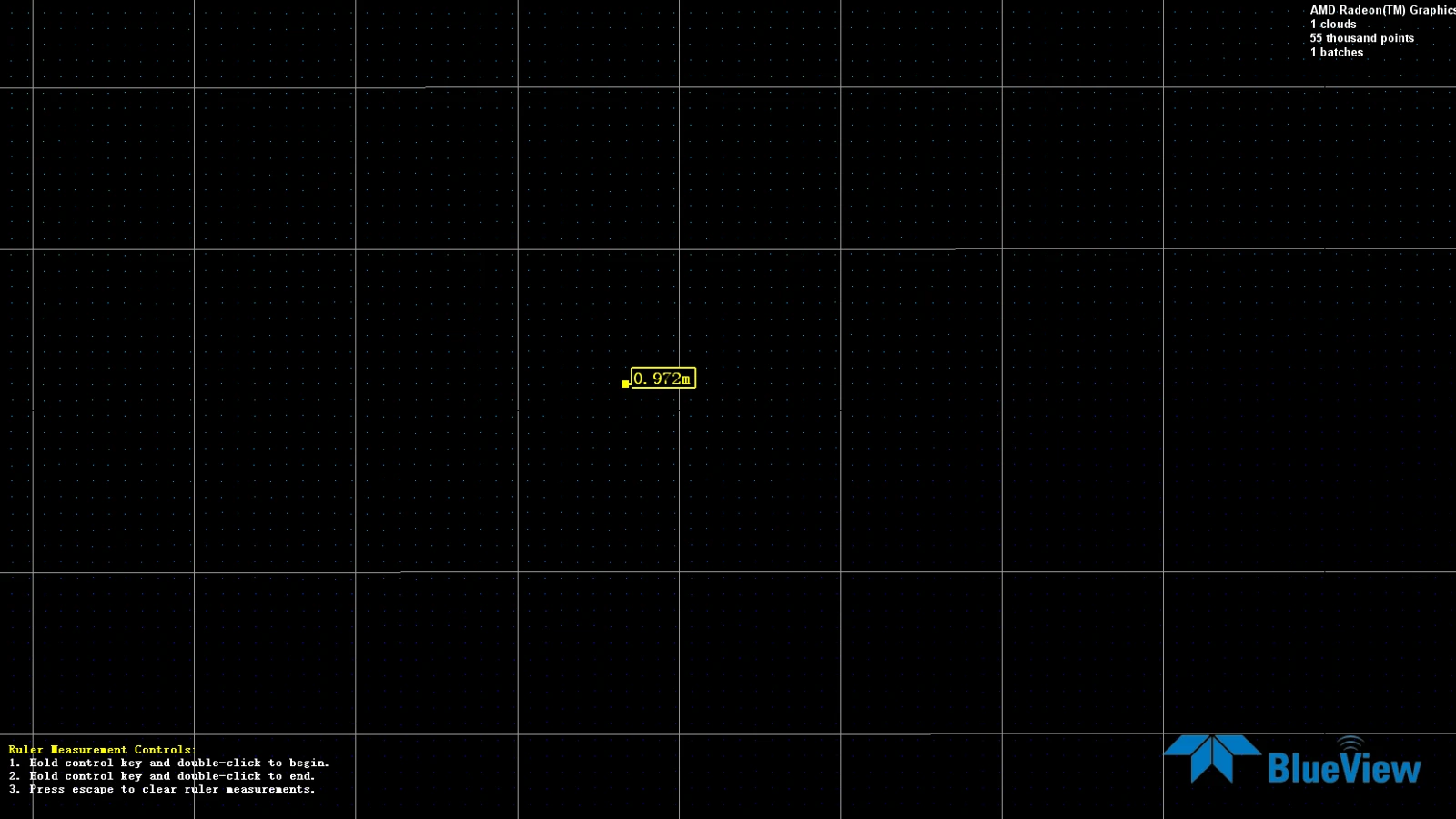
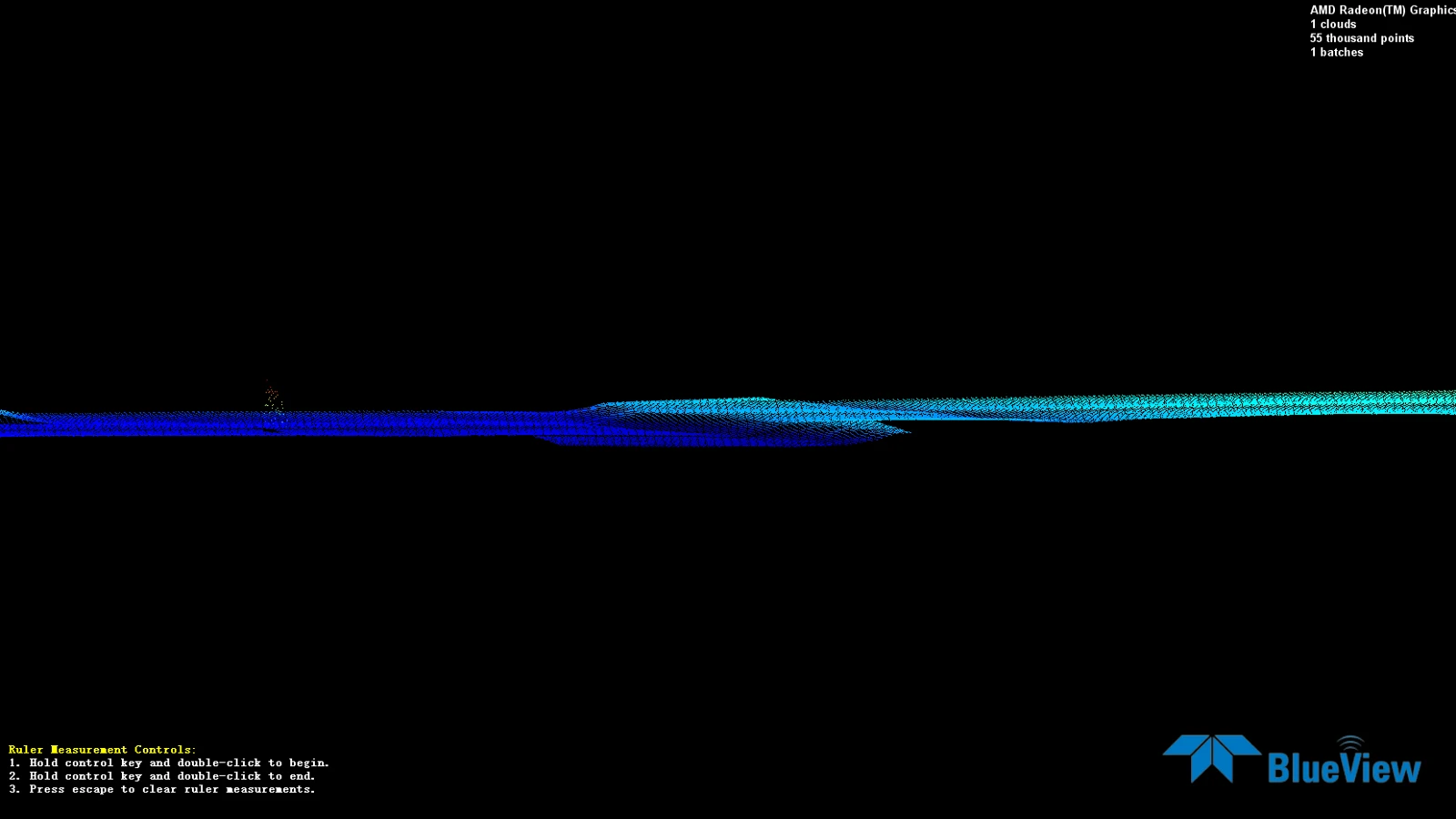
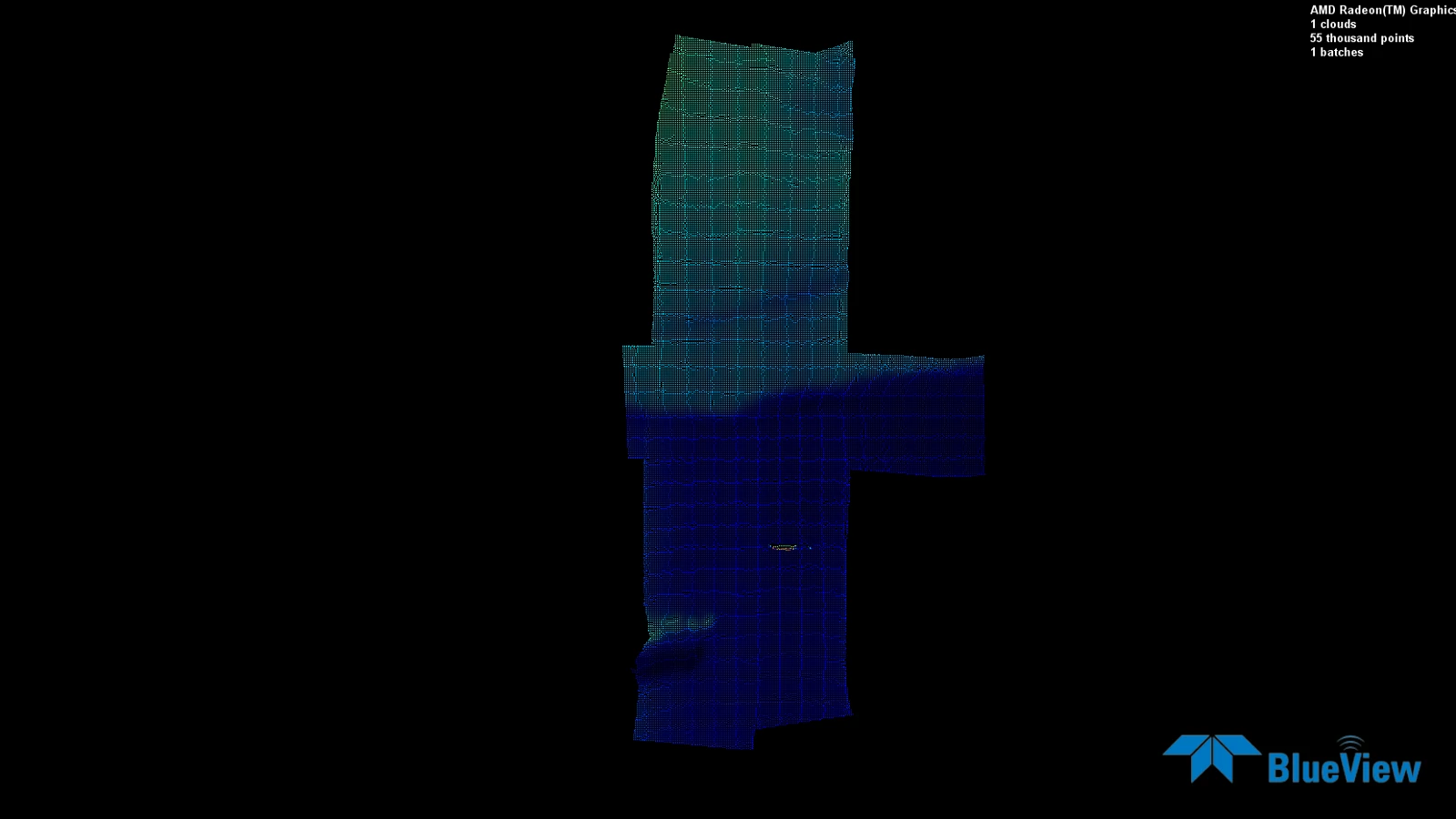
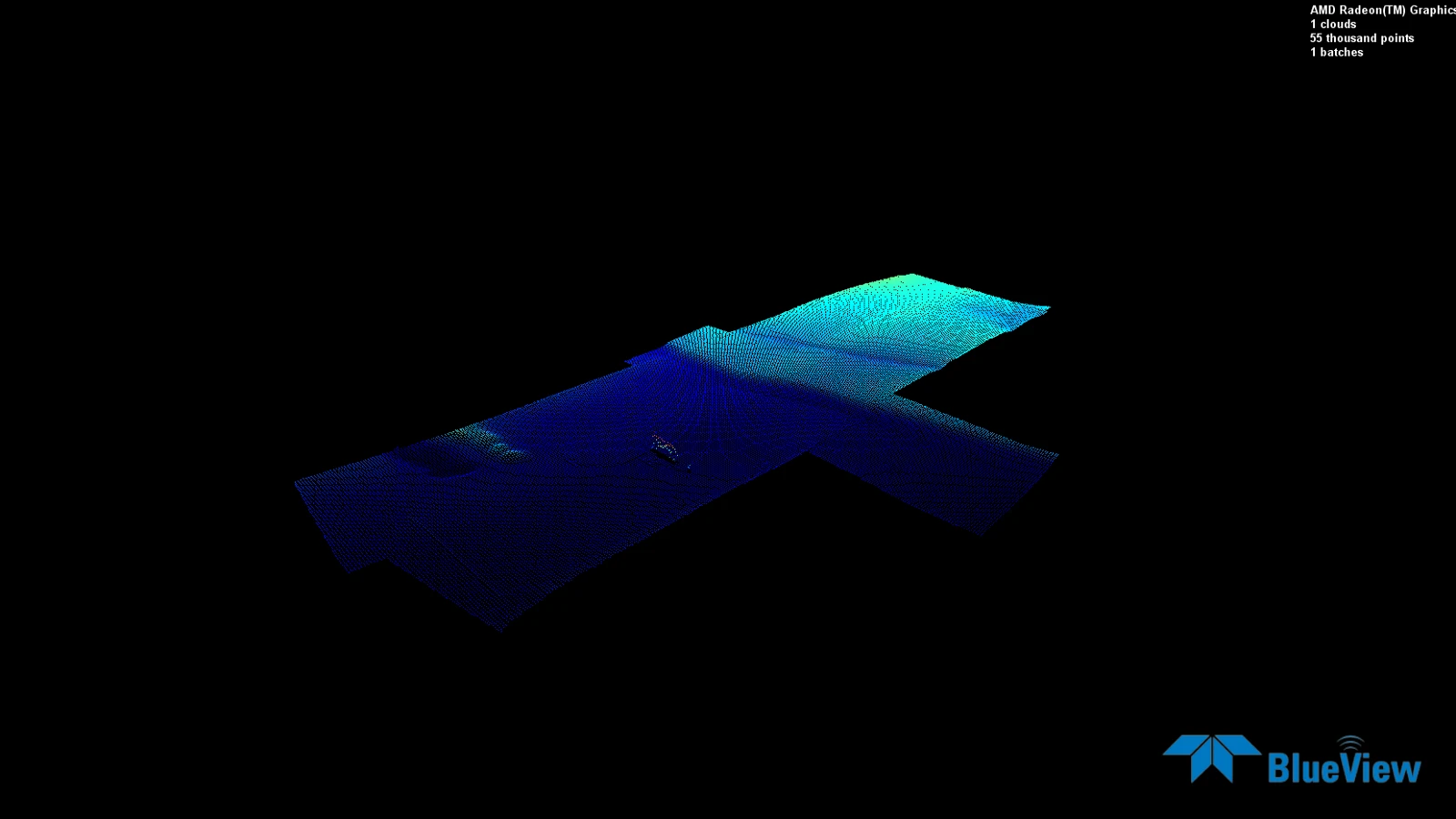
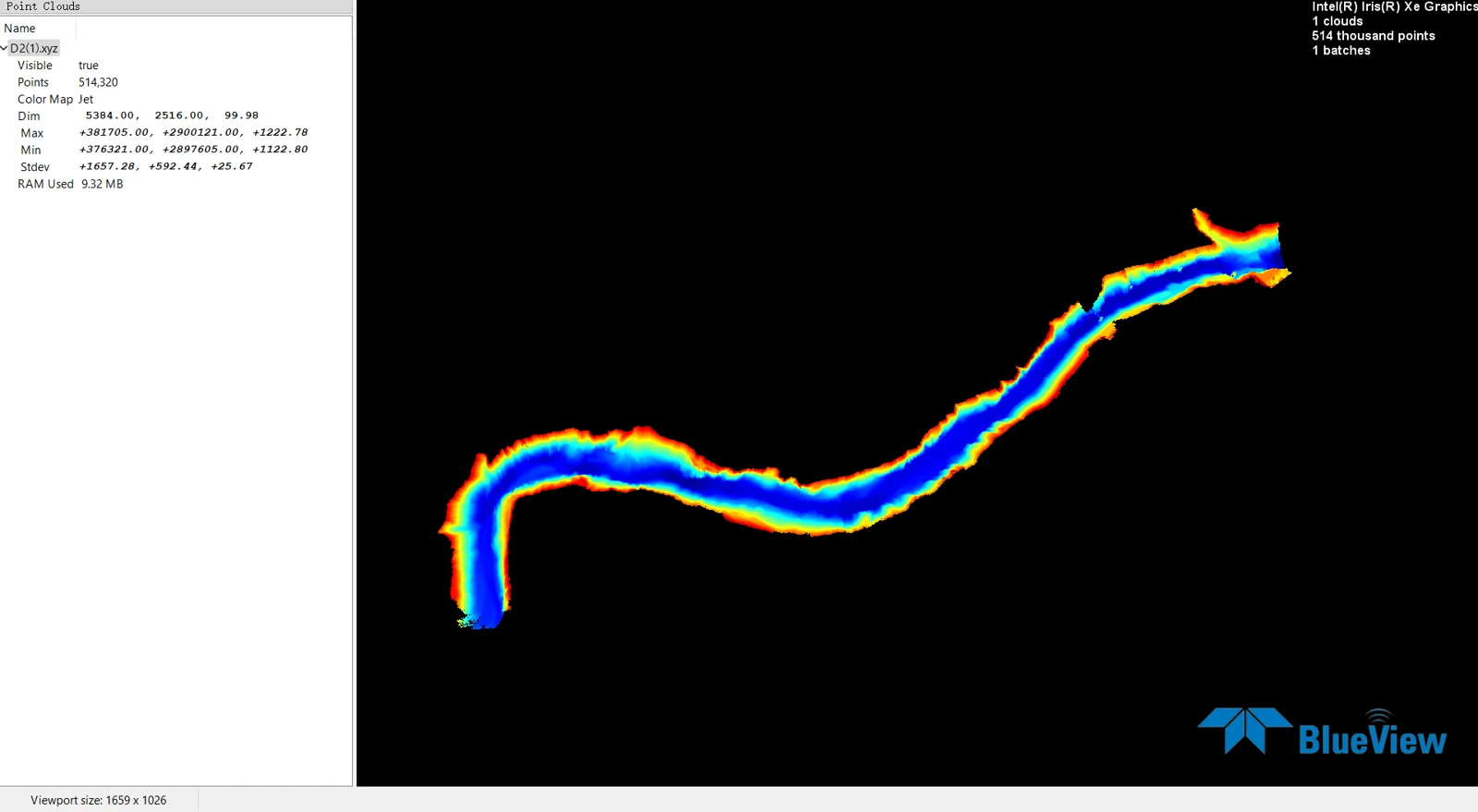
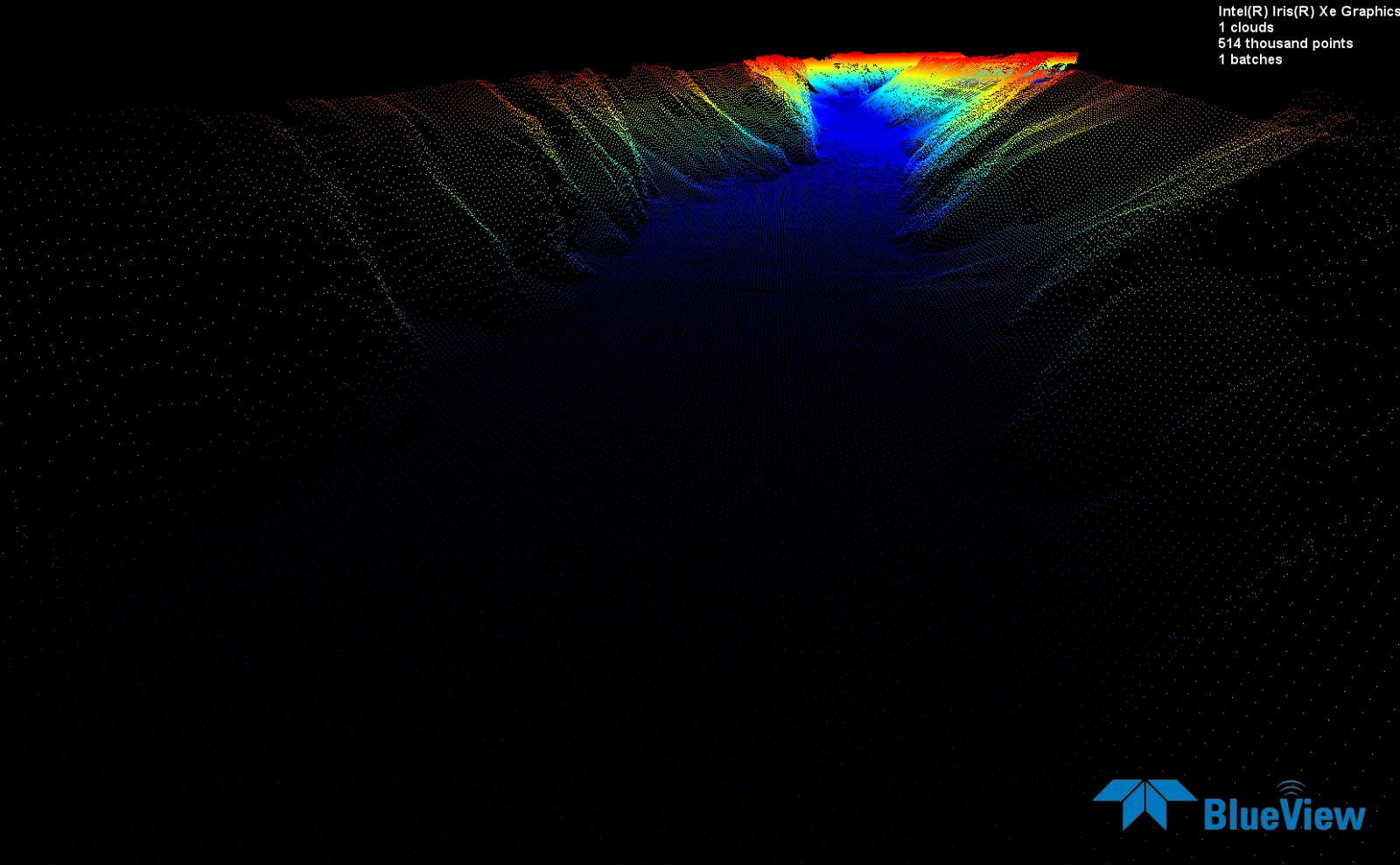
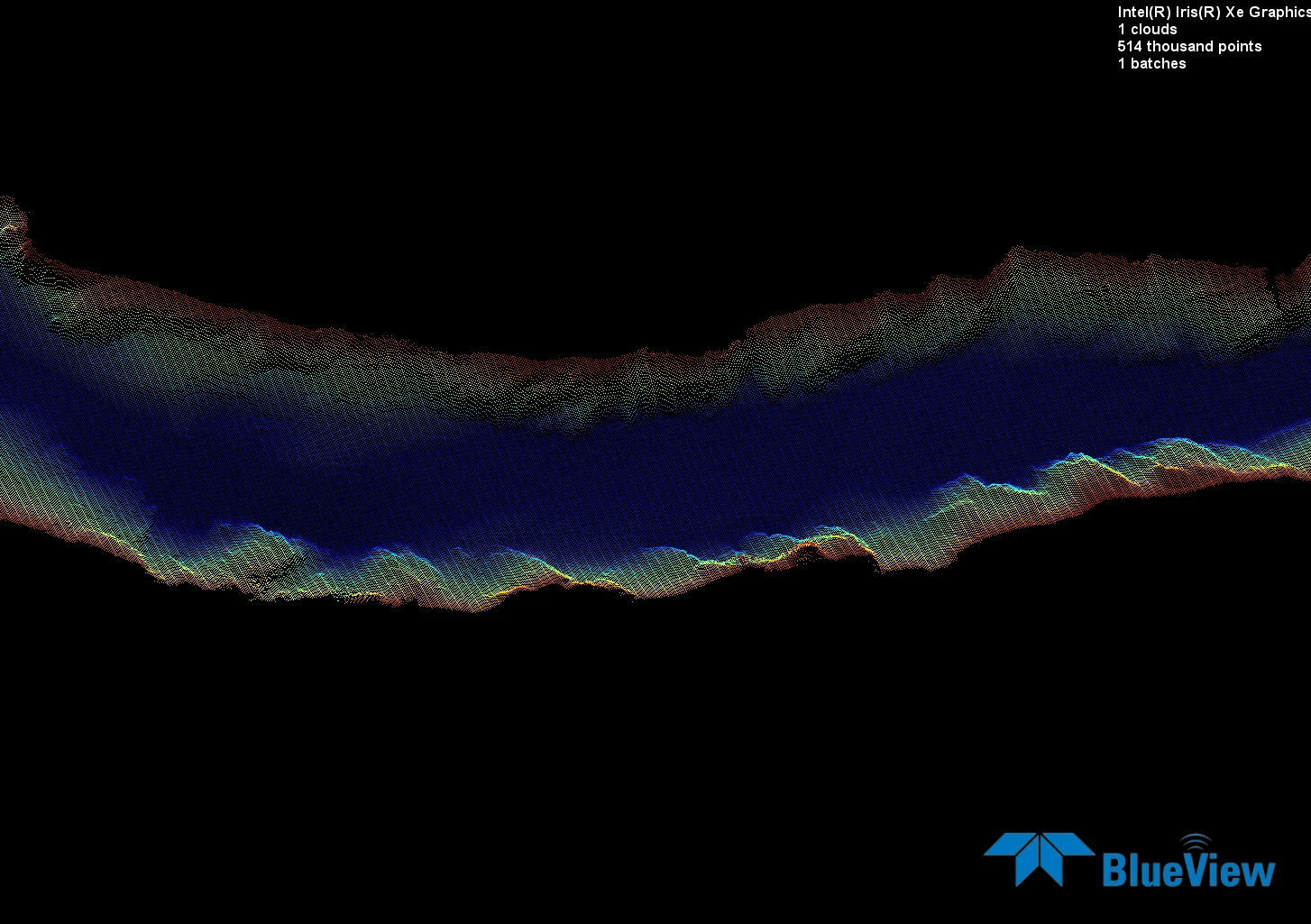
These supplied screenshots show several views of underwater terrain. The BlueView software labels are retained. They illustrate result formats; the source images do not establish the vessel model, sonar configuration or a project acceptance grade.
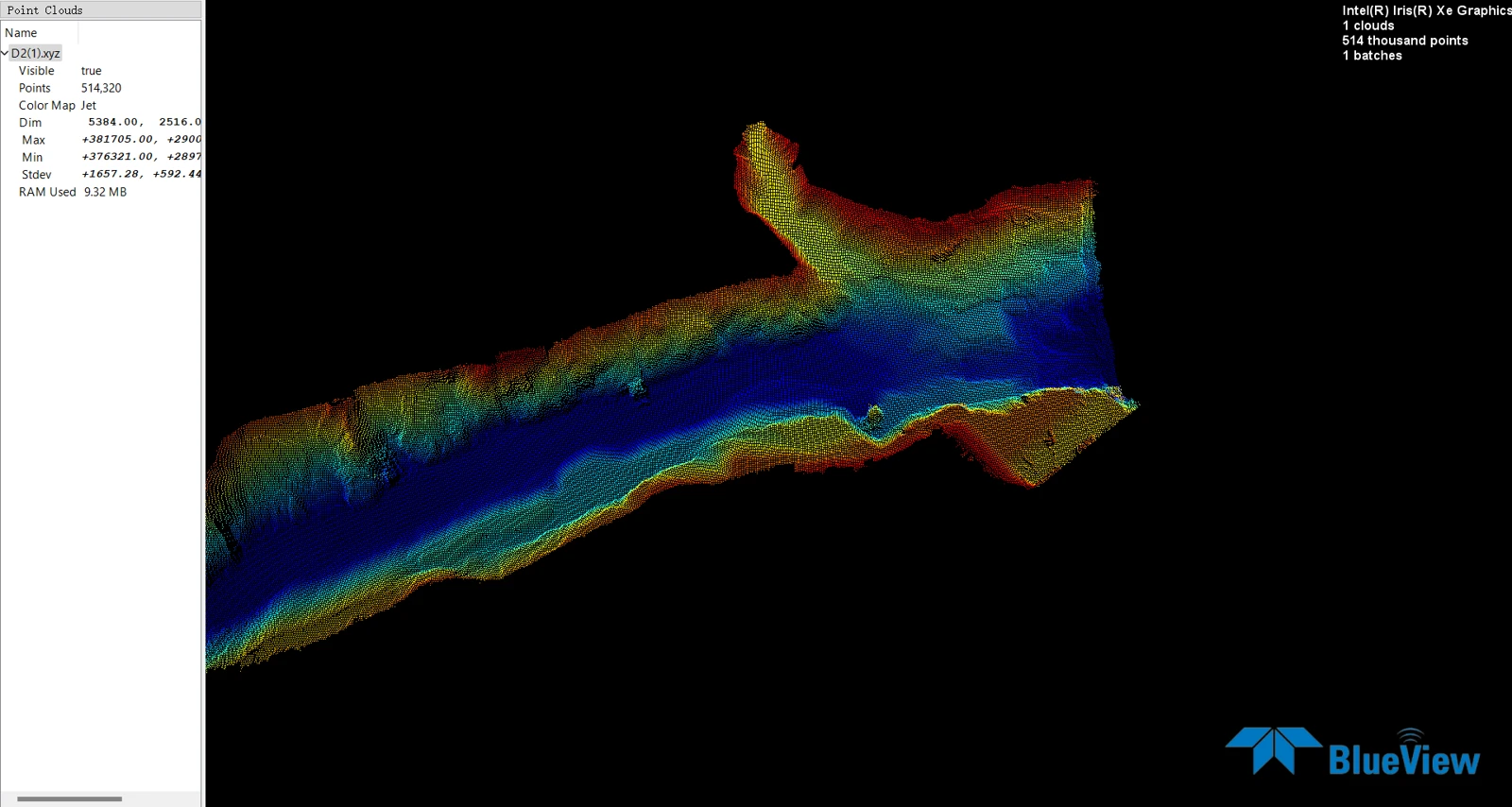
See the multibeam equipment installation · Plan the full sensor package
Side-scan mosaic: an imaging output
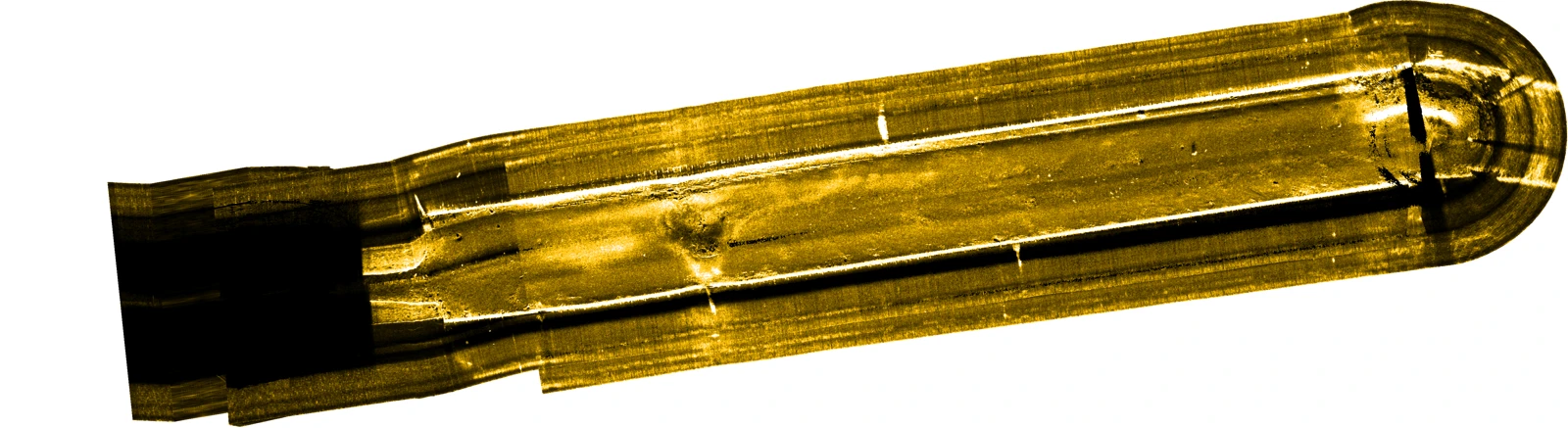
Side-scan imagery and a bathymetric surface answer different questions. For inspection work, specify the targets of interest, image coverage, positioning requirements and the method for confirming interpretations.
Watch side-scan installation →What makes a survey result traceable?
- Source sonar and positioning records linked to a dated project and equipment configuration.
- Coordinate and vertical references, sensor offsets, water-level and sound-velocity corrections.
- Processing settings, rejected or reacquired data and a distinction between measured and interpolated areas.
- Independent check lines or reference checks, documented differences and the agreed acceptance criteria.
Use IHO S-44 or the applicable project specification to define requirements. These examples do not establish compliance with a survey order.