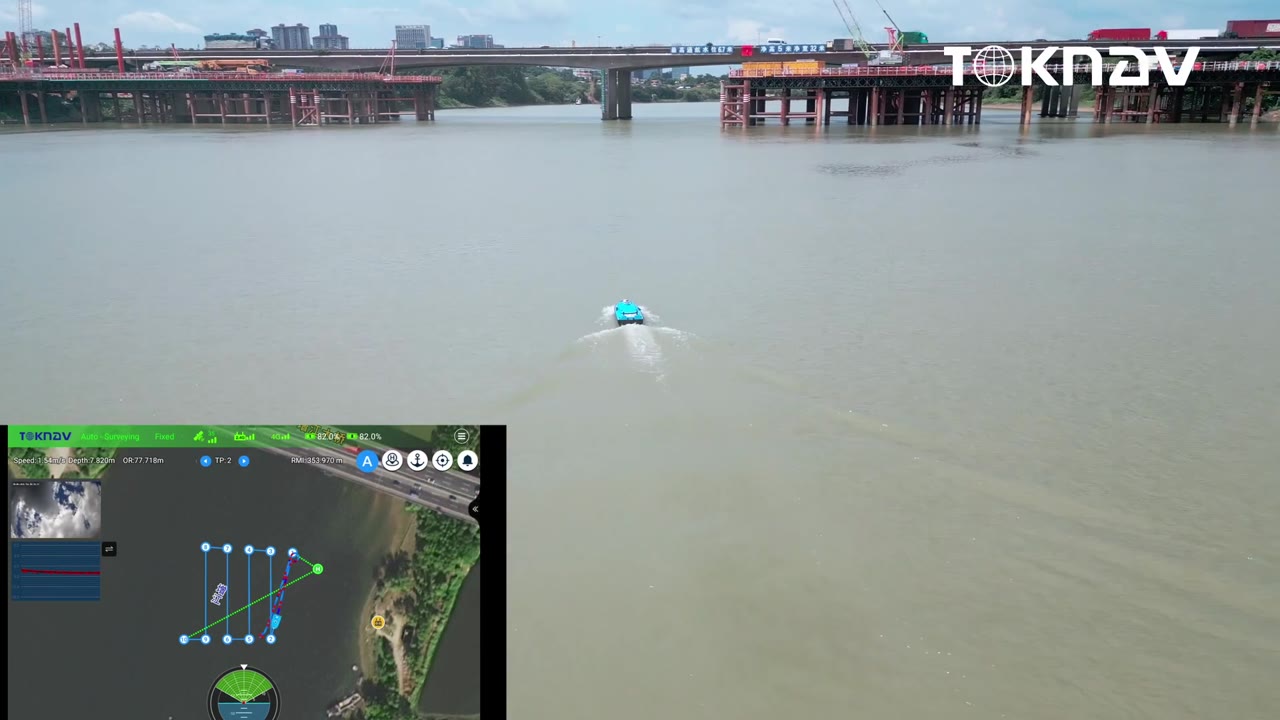
Review a side-scan sonar installation: mounting, cable routing, waterproof connections, positioning interfaces and the onboard computer.
Original TOKNAV-supplied demonstration with embedded English instructions. Use the chapter buttons to jump to the selected step.
What this video shows
The tutorial makes the integration work visible: underwater hardware, cable routing, positioning interfaces and the acquisition computer. It is useful when specifying an inspection or imaging package. The boat and sonar revisions are not fully identified in the supplied video, so the final bill of materials must be confirmed separately.
Video chapters and operating notes
Review the mounting position and access shown for this installation.
The demonstration shows mechanical fastening. Use the mounting instructions for the supplied hardware revision.
Fit the waterproof connection and protect the cable as it enters the hull.
The tutorial shows the serial connection used by this equipment set.
Identify power and data leads against the supplied wiring documentation.
Complete the computer connections and confirm that sensor data can be recorded.
Before specifying your equipment
Side-scan imagery helps interpret underwater features. It is not, by itself, a validated bathymetric depth surface. Request the actual sonar model, operating configuration, image georeferencing method and required positioning inputs. Confirm permanent mounting, strain relief and watertightness before service.


 ▶ 1:30