Skip to content
TOKNAV

TOKNAV VIDEO · 1:30

TBoat10-A Single-Beam Survey: Route Planning and Data Export

Watch TBoat10-A project setup, route planning, autonomous survey operation and the data-processing workflow in a TOKNAV field demonstration.

Original TOKNAV-supplied demonstration with embedded English instructions. Use the chapter buttons to jump to the selected step.

What this video shows

The footage shows the operating sequence for TBoat10-A in one survey setting. Use it to understand task creation, mission planning, monitoring and the handover to processing. For a quotation, describe the required sections or surface, expected depth range, access and positioning service.

Video chapters and operating notes

  1. Create a separate task so its settings and collected files can be traced together.

  2. Review the displayed parameters before planning the route.

  3. Define the survey area and line spacing for the required coverage. The example spacing is not a universal recommendation.

  4. Check the home point and uploaded route before switching to automatic operation.

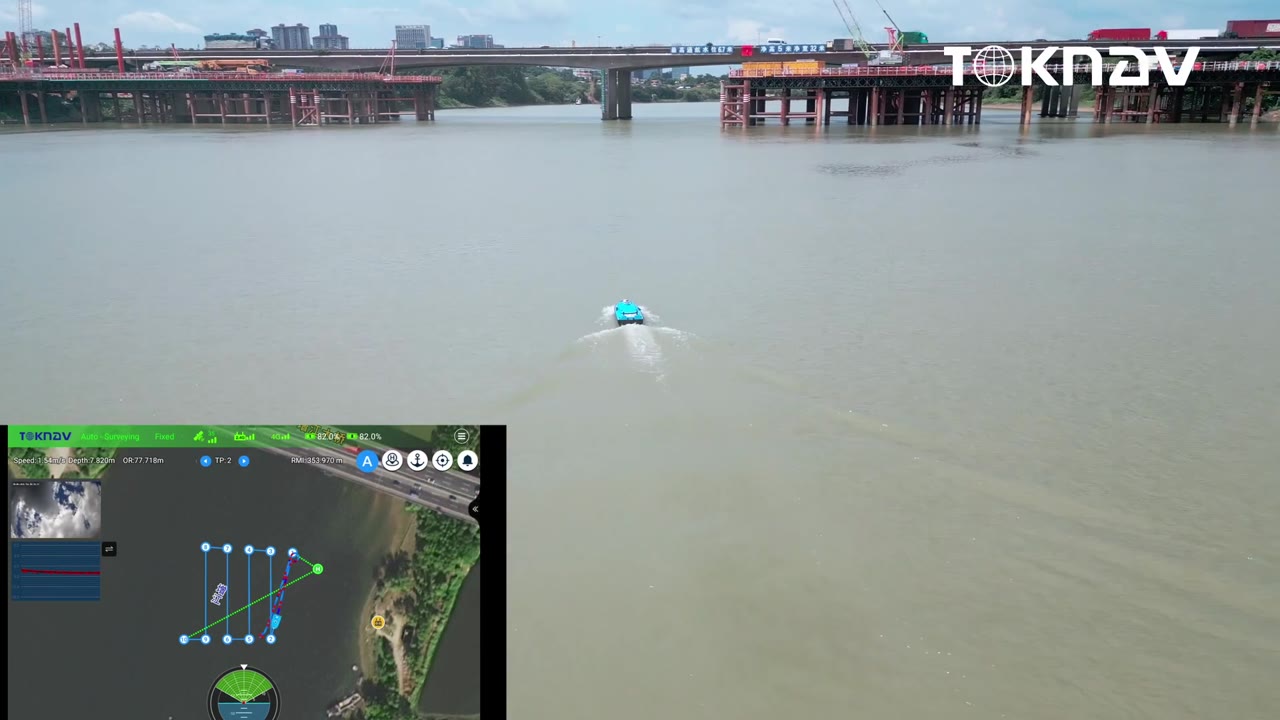
  5. The field view and controller view show the vessel running its planned lines.

  6. Return to task management to process or export the collected data.

Before specifying your equipment

Confirm loaded draft, the lowest installed component, sonar minimum range and recovery access together. Retain source files and settings, and agree the independent check lines or reference checks needed for acceptance.

Related hydrographic tutorials

WhatsApp