


Intelligent marking robot solution buyer checks, links and FAQ
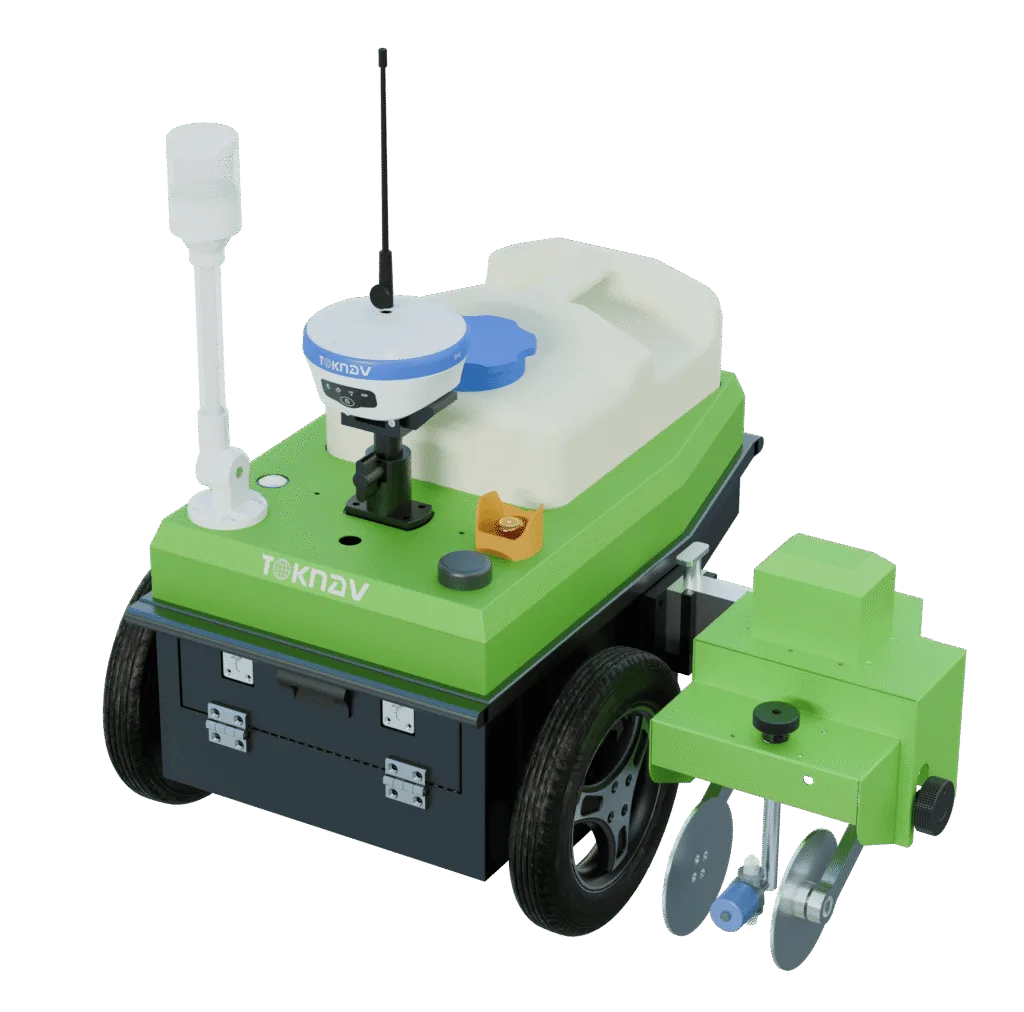
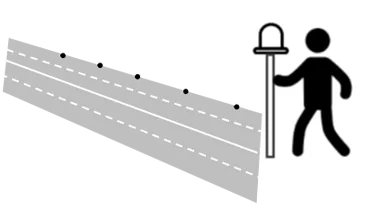
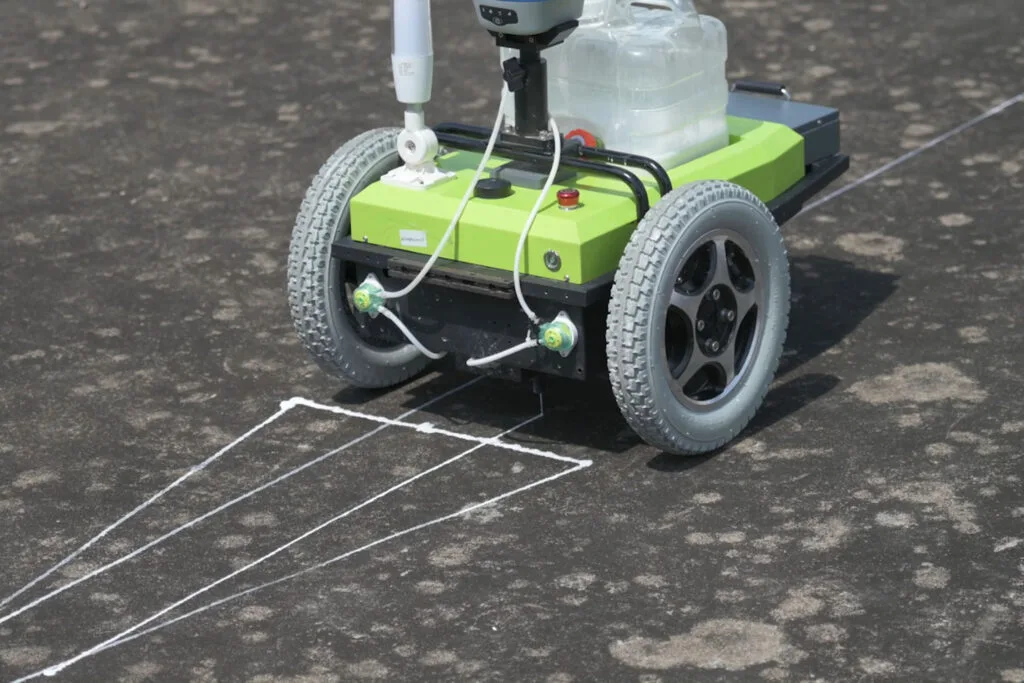
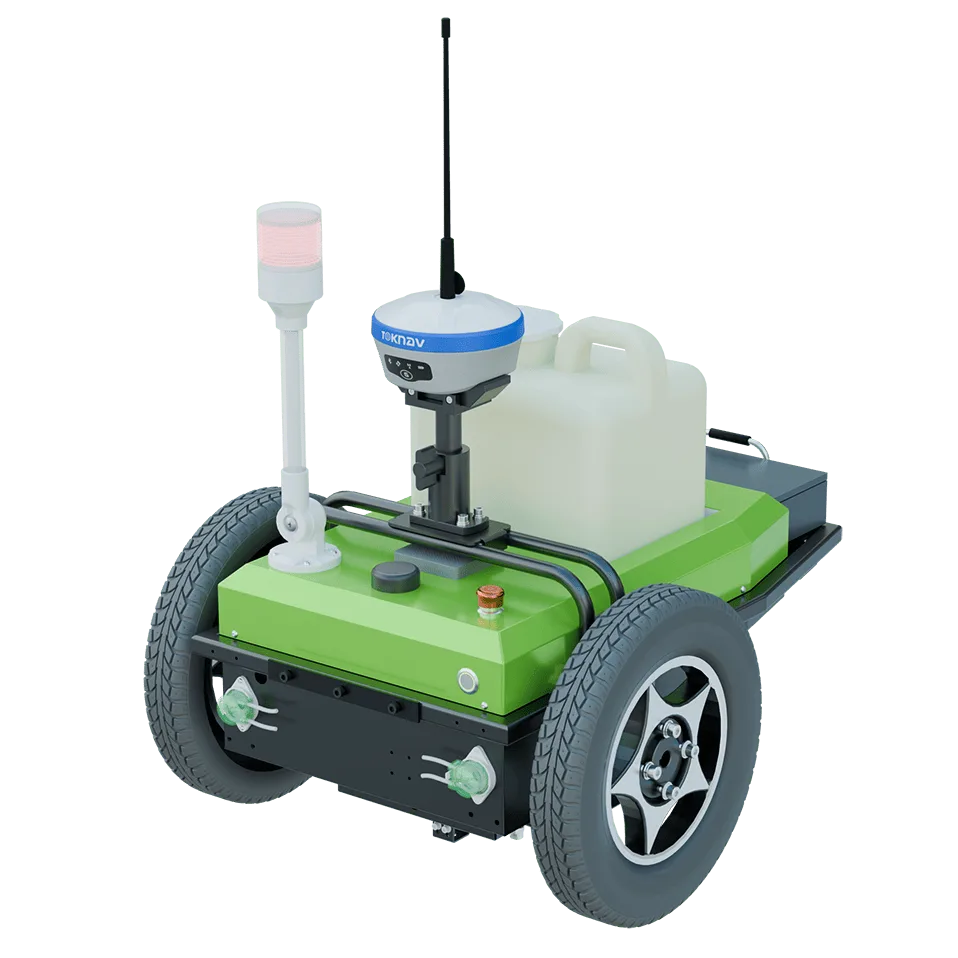
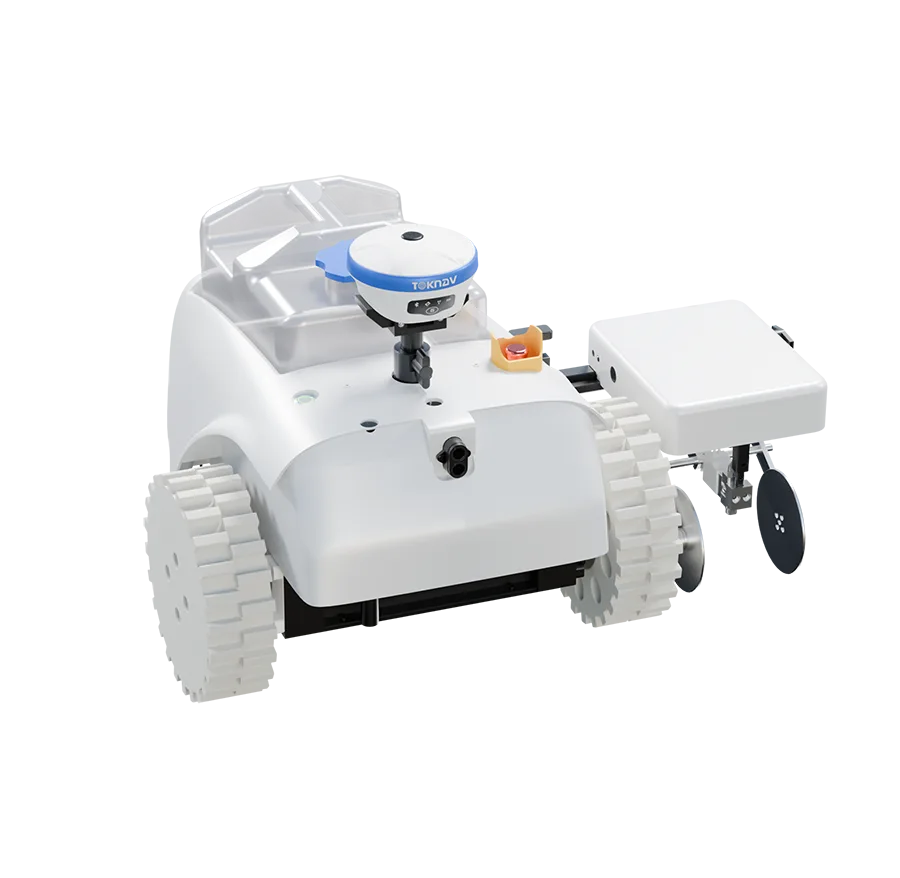
TOKNAV Intelligent marking robot solution is built for robotic field marking, GNSS-guided line painting and venue operations. This page now gives buyers a clearer product summary, related TOKNAV links, resource paths and quotation support for distributors, project teams and technical evaluators.
Selection checks
- Confirm application, target accuracy, correction method and expected operating environment before selecting this product.
- Compare related TOKNAV products, datasheets and resource guides to avoid choosing a receiver, antenna, controller or software path in isolation.
- Send project location, quantity, timeline and required accessories when requesting a quotation so TOKNAV can recommend a complete package.
Related TOKNAV pages
FAQ
What is Intelligent marking robot solution used for?
TOKNAV Intelligent marking robot solution is built for robotic field marking, GNSS-guided line painting and venue operations. This page now gives buyers a clearer product summary, related TOKNAV links, resource paths and quotation support for distributors, project teams and technical evaluators.
Which related TOKNAV pages should buyers compare?
Buyers should review the linked category, resource, case study and contact pages to compare specifications, applications and quotation requirements.
What should I send when requesting a quotation?
Send your country, application, target accuracy, correction method, expected quantity, project timeline and required accessories or software.
How does this page support SEO and buyer evaluation?
The page now includes the focus topic sports field marking robot, related internal links, visible FAQ content and structured FAQ data for clearer search and buyer context.