
This is a product-update page. A body-colour change does not replace the need to confirm the current configuration, operating workflow, paint setup, accessories and support route for a specific project.
What to check before choosing a workflow
- Confirm the current specification with the product page or quotation.
- Define the field template, positioning and paint workflow.
- Include accessories, training and acceptance checks in the deployment plan.
Where should buyers confirm the current TR10Pro configuration?
Use the maintained product page and a current quotation for configuration information. For a project fit check, provide the field type, line layout, paint workflow, operating conditions and required timing.
Reviewed and updated October 30, 2026
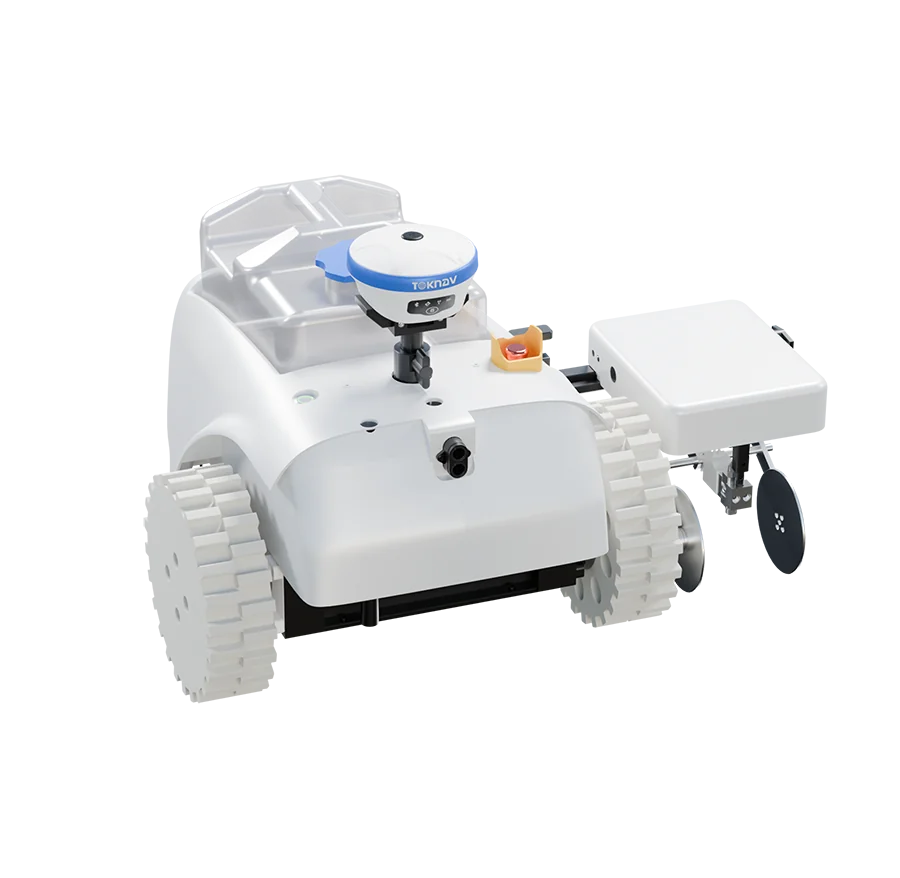
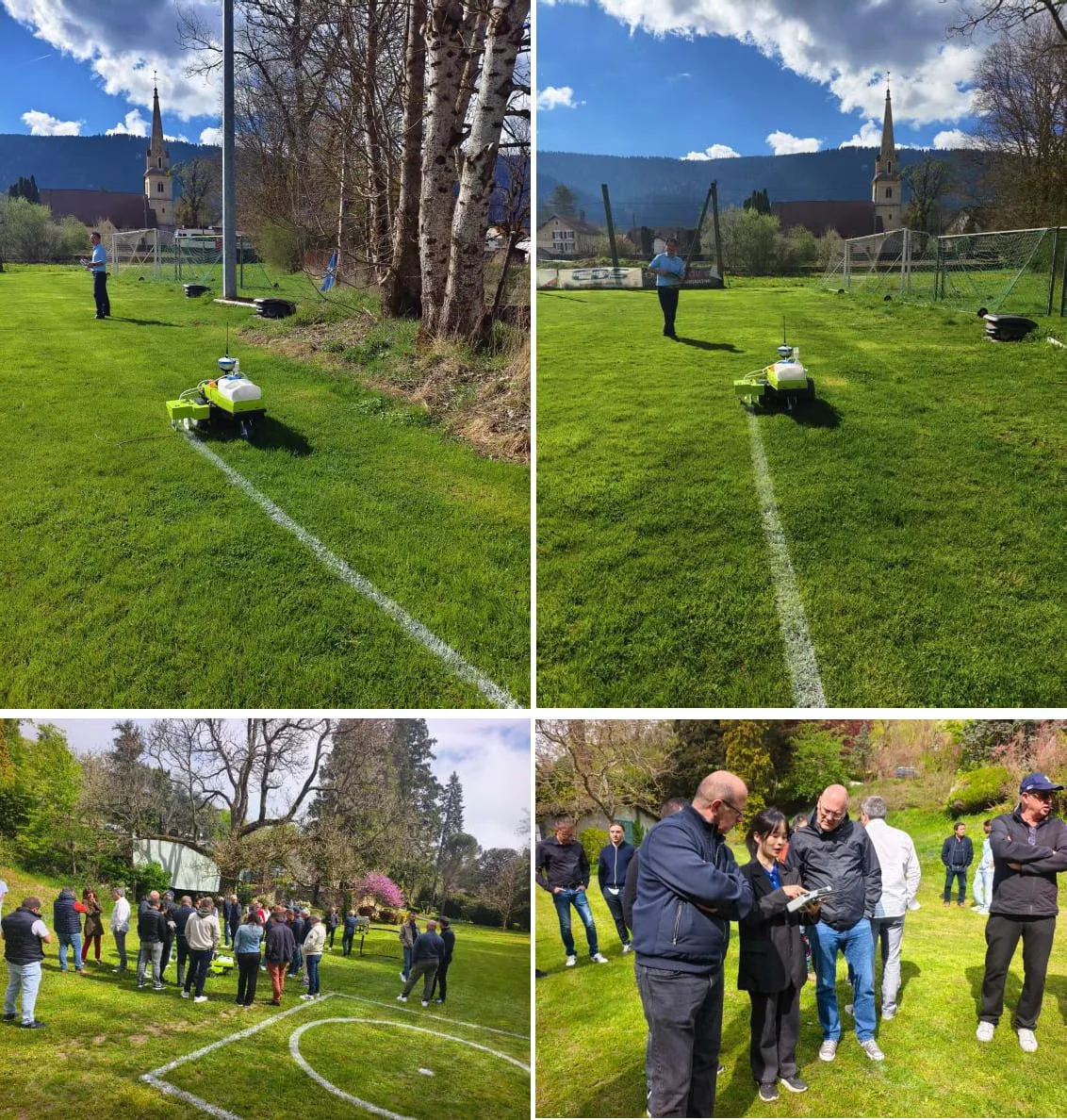
The TR10Pro is TOKNAV’s sports-field marking robot. The white-body product image below shows its current visual presentation, alongside green-body field-demonstration imagery from the existing TR10Pro media library. When discussing a purchase, confirm the supplied model, body version and complete equipment configuration with TOKNAV.
Start with the TR10Pro product information and the sports-field marking workflow to review the equipment around your intended application.
TR10Pro product and field imagery
What to confirm for your field
Describe the field or sports application, surface, required line layout and intended working area. Include any existing positioning equipment and the correction service available at the site. These details help the TOKNAV team discuss a suitable robot, positioning workflow and support package.
- Field and surface: identify the sport or layout task and describe the operating conditions.
- Positioning: confirm the planned correction source and access at the site. Review CORS and VRS correction workflows if a network service is part of the plan.
- Package: ask which controller, software, accessories and support are included in the quotation.
- Supplied version: confirm the body presentation and the latest model documentation for the equipment being quoted.
Choose the marking workflow by application
TR10Pro is the sports-field marking route. For road pre-marking, review the TR10 and TR10Pro application comparison before selecting equipment. Share the actual marking task so the discussion starts with the relevant product path.
Discuss a TR10Pro configuration
Tell us your country, field type, required layout, existing correction source and project timing. Include the white-body presentation in your request if that is the version you want to discuss.