Reviewed and updated October 21, 2026
This T40Pro field-workflow checklist helps survey teams prepare RTK corrections, control checks, image-based measurement and AR stakeout before a production shift.
A receiver feature is useful only when the complete field process is ready. For the TOKNAV T40Pro GNSS receiver, I separate setup, independent checks and data handover from the imaging functions that help the operator complete particular tasks.
Start with the work mode and deliverable
Write down whether the crew will collect topography, establish control, stake out a design or measure image-based points. Agree point codes, output formats, coordinate system, height reference and acceptance tolerances before configuring the controller. Do not choose a mode merely because it is available on the receiver.
Prepare RTK corrections before leaving the office
Decide whether the site will use a local base or network corrections. For network work, review the TOKNAV CORS/VRS solution and test the provider's connection details at the actual site. For a local base, establish and check its coordinate according to the project procedure.
Confirm the controller connection, correction format, communications and antenna-height method. Save an approved project profile and record its owner. A receiver showing fixed RTK is not evidence that a mistaken project datum has been corrected.
Use a repeatable start-of-shift record
- Check equipment, batteries, accessories, firmware and field application.
- Confirm the intended base or network correction source and check correction age.
- Verify horizontal and vertical references, units and any approved localization.
- Observe independent project control and compare the result with the agreed tolerance.
- Export a small test dataset and confirm that the office can read coordinates, codes and quality information.
The CORS/VRS setup checklist provides a fuller acceptance record for the correction route.
Check imaging and AR functions as distinct workflows
The July 13, 2026 T40Pro datasheet describes IMU tilt measurement, AR stakeout and image-based measurement. These functions do not remove the need for control checks or replace every conventional observation.
For image-based measurement, follow the documented capture method, maintain suitable image geometry and review the resulting points against independent checks. The datasheet's published image-measurement accuracy is conditional, including a stated working distance of 2–15 m; it should not be applied to every site or treated as final project acceptance.
For AR stakeout, confirm the approved design and point identifiers, use the visual guidance as part of the operator workflow, and record the final check in the coordinate reference required by the project.
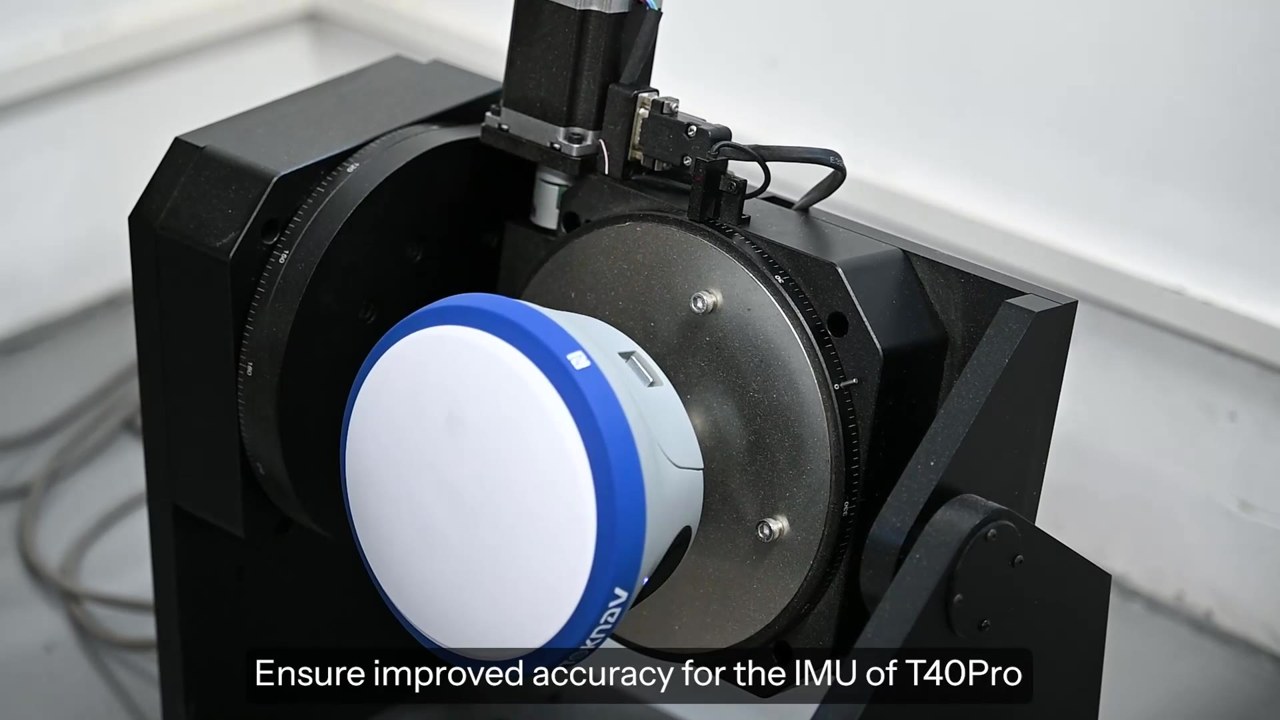
Official field-use video
This TOKNAV-supplied clip is a product-workflow reference, not a customer case or a project-specific accuracy test. Playback begins only when you choose to play it.
When the fix or check result changes
Pause production collection if the independent check is outside tolerance. Check communications, correction source, antenna height, coordinate profile and the observation environment. Keep the original record rather than editing a failed result into a passing one. Use the RTK fixed-solution troubleshooting guide to organize the investigation.
Close the shift with an office-ready handover
Repeat the checks required by the project, preserve raw records and export the agreed deliverables. Record changes of configuration, reconnections, interrupted observations and any points requiring review. Confirm that the office has received the files before clearing field storage.
Frequently asked questions
Does IMU tilt measurement mean control checks can be skipped?
No. IMU capability changes the observation workflow, not the obligation to verify the result against project requirements.
Can a video prove the accuracy of my project?
No. It shows a product workflow. Validate your own configuration, site conditions and acceptance checks.
Where are the current T40Pro documents?
The T40Pro product page above links the datasheet and quick user guide. Check the supplied configuration and regional availability before ordering.
Plan a T40Pro configuration
Share your country, field task, correction method and controller preference through the T40Pro configuration enquiry. This gives our team the context for a practical equipment review.
A practical RTK field acceptance record
Set limits in the project acceptance plan; do not copy datasheet accuracy values directly into a pass/fail form. For each check retain the following fields:
- Project, operator, date/time, receiver serial number, firmware and software version.
- Base or network source, antenna type and height, coordinate profile and height model.
- Independent check-point identifier, reference coordinates and observed coordinates.
- Horizontal difference, signed height difference, solution state and correction age.
- Agreed limits, pass/fail decision, corrective action and repeat-check result.
- Export filename, office validation and reviewer sign-off.
Check start-of-shift control, reoccupations and end-of-shift control according to the specification. When a setup, reference or correction source changes, record the change and perform the required revalidation. Hold affected observations for review if the check fails.
Use the RTK acceptance overview and base–rover setup procedure for the surrounding workflow.