
01
Designed for the role
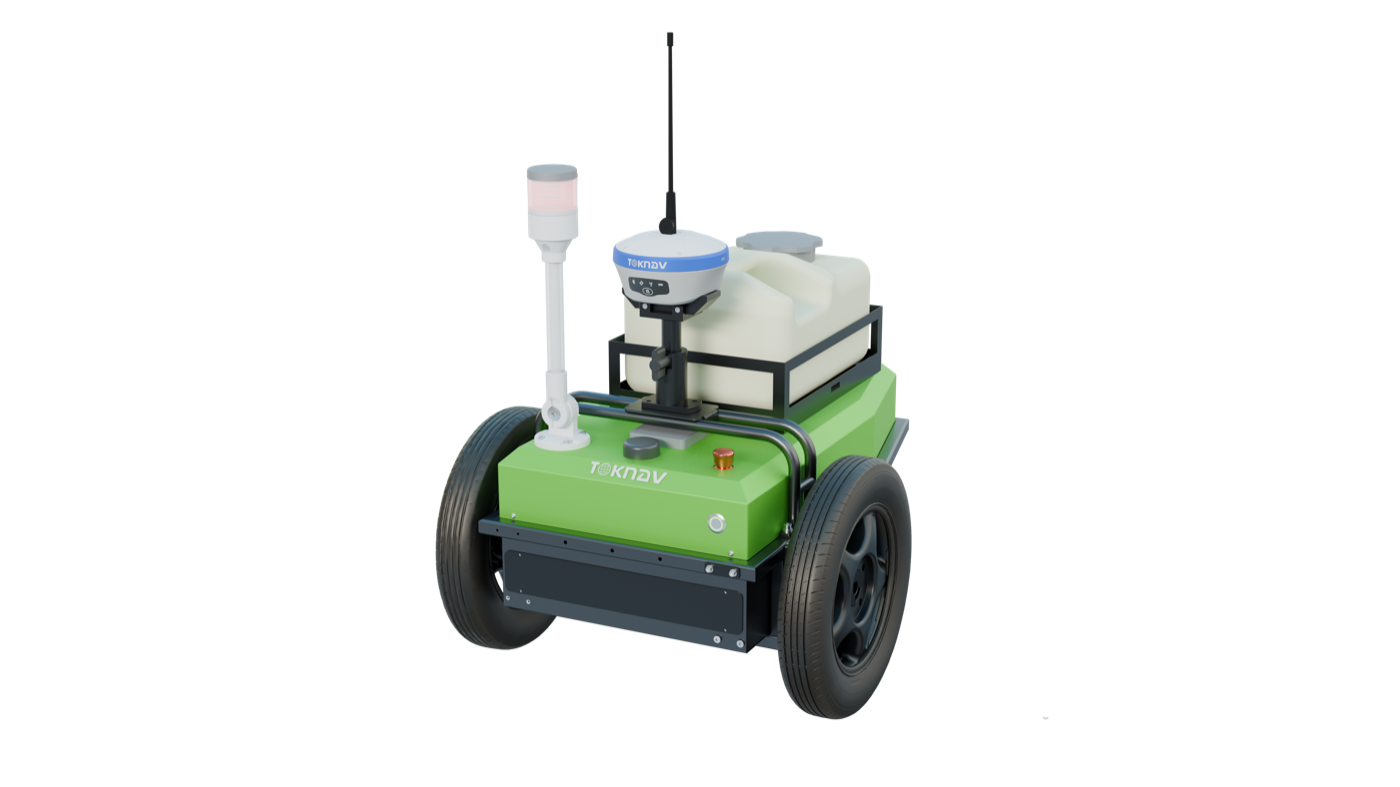
TR10 is designed as a intelligent pre-marking robot for road, line and template-based field work.
FIELD MARKING & LAYOUT EQUIPMENT
TR10 is a TOKNAV intelligent pre-marking robot for road, line and template-based field work for professional field workflows. The page presents the key published values and application context available for this model.
For a useful recommendation, include your country, project application and any required integration.
PRODUCT DECISION PATH
This page keeps the product decision focused on a verified model record, its intended application and the project details needed for a useful recommendation.
TR10 is designed as a intelligent pre-marking robot for road, line and template-based field work.
Published product information lists 1408.
Published product information lists Less than 2 cm stated.
TOKNAV can help confirm compatible equipment, destination-market requirements and the intended project workflow.
FIELD WORKFLOW
The steps below explain the operating decision path. Project procedures, safety requirements and final acceptance criteria remain the responsibility of the project team.
Confirm the applicable template or imported file, coordinate setup, surface condition and operating route.
Select the required line type, material setting and operating parameters under the project safety procedure.
Review completed marks against the design and retain the job record for the project team.
PRODUCT DOCUMENTATION
Available product documents are listed in the downloads section where supplied.
Contact TOKNAV to confirm the configuration required for your project.
Confirm detailed values, scope of supply, required options and regional availability with TOKNAV for your project.
CONFIGURE FOR THE PROJECT
A model name is only the starting point. A useful configuration considers the work method, output, integration, country of use and available supporting equipment.
Define the project task and operating environment before selecting accessories or options.
Review compatibility with any receiver, controller, software, vessel, machine or workflow already in use.
Send the destination country and project requirement for a focused product recommendation.
LATEST ENGLISH DOCUMENTS
These are the current English files selected by model and supplied file date. Open a document to review it, or save it for your project file.
VERIFIED TECHNICAL SUMMARY
Values in this section were checked against the newest supplied English product document named on this page. Conditions shown in that document are retained here where relevant.
DOCUMENTATION & PRODUCT RECORD
The record below summarises the model, product category and published technical information.
APPLICATION PATHS
These application paths help identify the relevant field workflow and the next product discussion.
Discuss the Road pre-marking workflow and the role of TR10 in the intended project.
Discuss the Sports-field marking workflow and the role of TR10 in the intended project.
Discuss the Construction layout support workflow and the role of TR10 in the intended project.
Discuss the Template-based field work workflow and the role of TR10 in the intended project.
BUYER QUESTIONS
These answers help start the right technical discussion without overstating information that needs project-level confirmation.
Start a TR10 enquiryThe technical summary on this page lists the published values selected for this model. Available documents can be found in the downloads section.
Share the country of use, application, operating conditions, intended workflow and connected equipment. TOKNAV can then help identify a suitable configuration.
Not necessarily. Communication options, enabled functions, accessories, local rules and project integration can vary. Confirm the final configuration before purchase or deployment.
PROJECT ENQUIRY
Share the location, application, expected workflow and existing system. TOKNAV can help move from the product record to a project-ready configuration discussion.